
How to Use Voice Memos on Apple Watch

Sarah Johnson
Writes about field sales, meeting notes and voice-first workflows at ParrotNotes. Every article is reviewed by the ParrotNotes product team before it goes live.
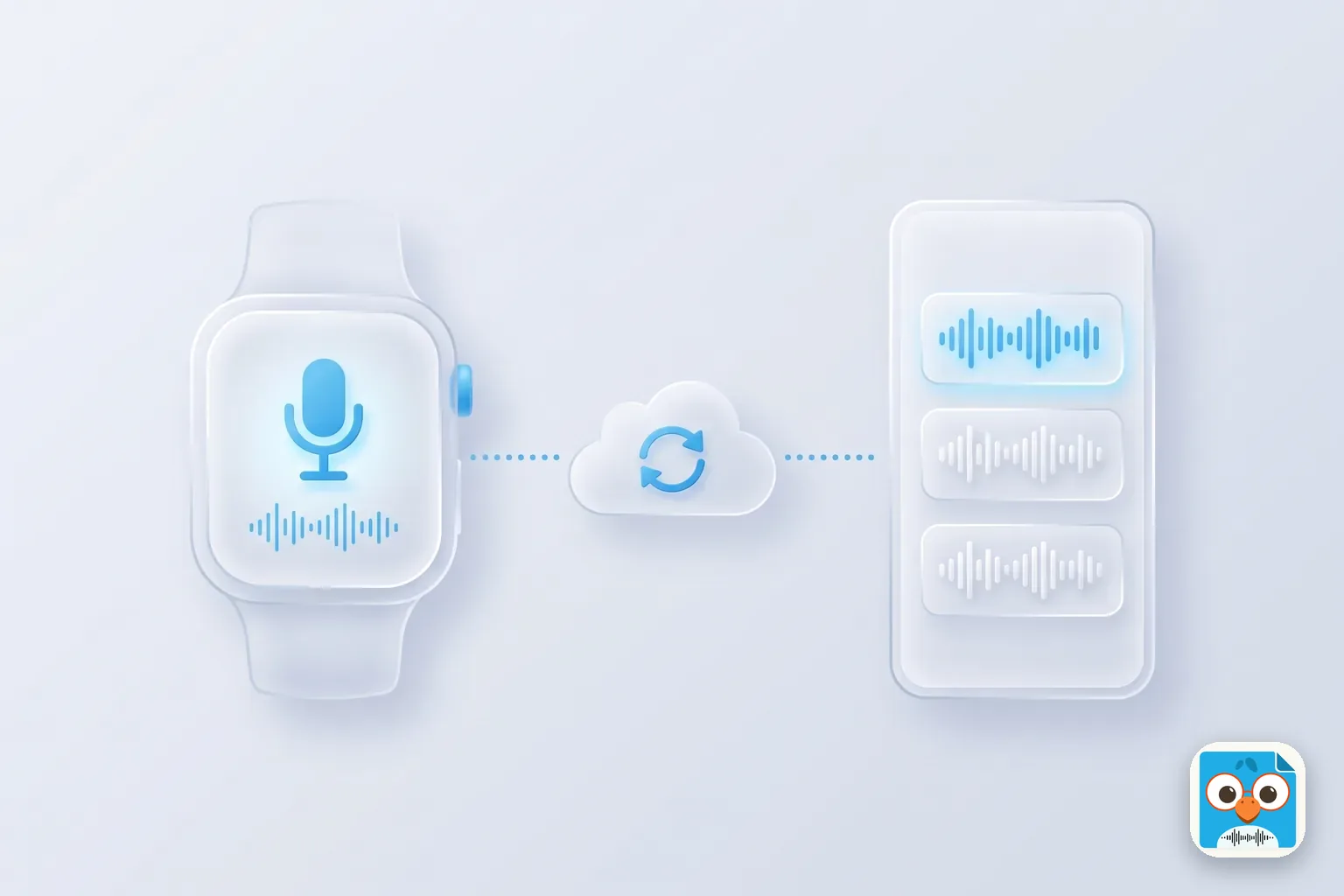
Table of Contents
- 1.How to record a voice memo on Apple Watch
- 2.How to get voice memos from Apple Watch to iPhone and Mac
- 3.Where is my watch recording right now?
- 4.Apple Watch voice memos not syncing to iPhone: fixes in order
- 5.Limits: storage, battery, and microphone distance
- 6.When the watch isn't the right recorder
- 7.The short version
Picture Elena, halfway through a morning run, phone at home on the charger. An idea for Thursday's client pitch arrives at kilometre four. She lifts her wrist, taps twice, talks for 40 seconds, and keeps running.
That's what Apple Watch voice memos are for. Here's the short version: open the Voice Memos app on the watch, tap Record, then tap Stop Recording. The memo syncs through iCloud to your iPhone, iPad, and Mac, where it sits in a list called Watch Recordings. You don't need the phone nearby to record.
The part that goes wrong is the trip from wrist to phone. So this guide covers both: how to record, and how to get voice memos from Apple Watch to iPhone when they don't show up.
Every step comes from Apple's support pages as of November 2026, and we say plainly where Apple is silent. No watch was tested for this guide. If your recordings are usually long conversations, not quick notes, ParrotNotes has a free plan for iPhone and Android, covered near the end.
How to record a voice memo on Apple Watch
Voice Memos comes with the watch. There are three ways to start it, and the slowest one is still three taps.
Record from the Voice Memos app
Apple's Voice Memos page for Apple Watch gives these steps:
- Open the Voice Memos app on your Apple Watch.
- Tap the Record button.
- Tap the Stop Recording button when you're done.
That's all Apple lists. The page doesn't mention pausing, renaming, or trimming on the watch, so plan to do your tidying on the iPhone.
Start faster from the watch face
A complication is a small shortcut on the watch face. Apple's complications page gives the steps:
- With the watch face showing, touch and hold the display, then tap Edit.
- Swipe left all the way to the end. If the face offers complications, they're on the last screen.
- Tap a complication to select it, then turn the Digital Crown to choose a new one.
- Press the Digital Crown to save, then tap the face.
Apple's page doesn't name Voice Memos in its examples, and not every face has complication slots. So scroll the list with the Digital Crown and look for it. If your face doesn't offer it, try another face.
Use the Action button on Apple Watch Ultra
Apple Watch Ultra models have an extra button on the side, and Apple's Action button page lists Voice Memo among the actions you can give it. To set it:
- Open the Settings app on the watch.
- Tap Action Button.
- Tap Action, then choose Voice Memo.
After that, one press of a real button starts things off, which helps with gloves or wet hands. Other Apple Watch models don't have this button.
Play a recording on the watch
Open Voice Memos, tap a recording, then tap Play. Apple also lists Skip Ahead and Skip Back buttons. The watch only shows recordings made on the watch, which matters in the next section.
How to get voice memos from Apple Watch to iPhone and Mac
You don't transfer them by hand. Apple says recordings on your Apple Watch "automatically sync to your iPhone, iPad, and Mac" where you're signed in with your Apple Account. There's no cable step and no export button on the watch.
To find them, open Voice Memos on the iPhone, iPad, or Mac, then tap or click Watch Recordings. That's the label on Apple's watch page; its iPhone guide calls the same Smart Folder "Apple Watch recordings." If you only see All Recordings, go back to the folder list first.
Two things have to be true for the sync to work:
- Voice Memos is on in iCloud. On iPhone, go to Settings > [your name] > iCloud, tap See All, then turn on Voice Memos. On a Mac, choose Apple menu > System Settings, click your name, click iCloud, then click See All. Both paths are from Apple's Voice Memos guide.
- Every device uses the same Apple Account.
The sync also runs one way. The same Apple page says recordings you make on other devices don't appear on Apple Watch. So an empty list on the watch, next to a full one on the phone, is normal.
Once a memo is on the iPhone, it behaves like any other recording there. You can send the voice memo, move it to a computer, or convert it to MP3 in your browser. For where each copy lives, see where voice memos are stored.
Where is my watch recording right now?
Most "it didn't sync" worries are really "it hasn't synced yet." We built this table from Apple's pages on how the watch connects, what it does without the iPhone, and Low Power Mode.
| Your situation | Can you record? | When it reaches the iPhone |
|---|---|---|
| iPhone nearby | Yes | The watch talks to the phone over Bluetooth first, so this is the normal case |
| iPhone away, watch on a known Wi-Fi network | Yes | The watch can use Wi-Fi, but only networks the iPhone has joined before, and not public ones that need a login |
| iPhone away, cellular watch with a plan | Yes | The watch can use cellular when Bluetooth and Wi-Fi aren't there |
| No connection at all | Yes. Apple lists "Record and play voice memos" for this case | Not until the watch reconnects. The memo waits on the watch |
| Low Power Mode, iPhone away | Yes | Apple says this mode turns off Wi-Fi and cellular when the iPhone isn't nearby, so expect it to wait |
| Voice Memos off in iCloud, or iCloud full | Yes | Likely never, until you fix the setting or free up space |
Apple doesn't publish how long a sync takes, so the right-hand column tells you what has to be true, not a number of seconds. A red Disconnected icon or a red X on the watch face means there's no connection at that moment.
Picture Marcus, a site manager who records a punch list on his watch in a basement with no signal. Back in the truck, the phone's list is empty. Nothing is broken. The memo is still on his wrist, and it moves once the watch is back in range of the phone.
Apple Watch voice memos not syncing to iPhone: fixes in order
Start at the top and stop when the memo appears. The first five steps can't lose anything.
- Look in the right list. Open Voice Memos on the iPhone and tap Watch Recordings. A watch memo is easy to miss in a long All Recordings list.
- Check the connection. Look for the red Disconnected icon or red X. Bring the watch next to the iPhone and give it a few minutes.
- Turn off Low Power Mode on the watch if the phone isn't close by.
- Check the iCloud switch and the Apple Account on the iPhone, using the path above.
- Check iCloud space. Apple gives 5 GB free across all of iCloud. A full account is a common reason synced apps fall behind.
- Restart both devices. It's harmless, and it's the first thing other users suggest in Apple Community threads.
- Toggle the iCloud switch, with care. In one Apple Community thread, a user wrote in March 2024 that turning Voice Memos off in iCloud, restarting both devices, and turning it back on brought Watch Recordings back within minutes. That's one user's report, not Apple's advice, and users in other threads report losing unsynced recordings after toggling the switch. Export anything important on the phone first.
Two things to avoid while a memo is still stuck on the watch. Don't delete or offload the Voice Memos app on the iPhone. MyHealthyApple warns this also removes the watch app and erases recordings that haven't synced.
And don't count on a watch backup. Apple's backup page says an Apple Watch backup doesn't include information that syncs to iCloud, "such as Voice Memos recordings." If a memo that did sync was deleted by mistake, see how to recover deleted voice memos on iPhone.
If nothing works, play the memo on the watch and re-record the important part on your phone. It's crude, but the content is safe. Then contact Apple Support.
Limits: storage, battery, and microphone distance
Here's what Apple documents about the limits of voice memos on Apple Watch, and what it leaves out, as of November 2026.
| Question | What Apple says | Source |
|---|---|---|
| Maximum recording length on the watch | Nothing published. Could not be confirmed | Not on Apple's Voice Memos page |
| How much space do I have? | On the watch: Settings > General > Storage. On iPhone: Watch app > My Watch > General > Storage | Apple's storage page |
| What if the watch is full? | Remove synced music or photos, or some apps | Apple, storage full |
| Battery use while recording | Nothing published | No Apple figure found |
| How far the microphone reaches | Nothing published | No Apple figure found |
| Rename or delete on the watch | Not on Apple's page. AppleWorld.Today described a delete button in February 2026 | Third-party report |
| Transcripts on the watch | Not mentioned on Apple's watch page | See below |
What does that mean day to day? The watch is built for short notes to yourself. Apple's own page describes Voice Memos on the watch as a way to record personal notes. With no published figure for battery or mic range, the safe habit is simple: keep the watch close to whoever is speaking, and do a 10-second test before anything you can't repeat.
For text, wait until the memo is on the iPhone. Apple's watch page doesn't mention transcripts at all. On the phone, Apple's Voice Memos transcription depends on your iPhone model and iOS version, and there are other ways to transcribe a voice memo if yours doesn't have it.
When the watch isn't the right recorder
A watch memo is great for a thought. It's a poor fit for a 45-minute client meeting where you need to know who agreed to what.
Picture Priya, an account manager who asks the room if she can record a kickoff meeting, then uses her watch. The memo syncs fine. But the voices across the room are faint, and she still has to listen to the whole thing to pull out the action items.
For that job, a phone on the table does better, and this is where ParrotNotes fits. To be clear, ParrotNotes doesn't have an Apple Watch app. It's a recorder for iPhone and Android, with a Mac app on Pro. It records the conversation, transcribes it, writes a summary, and pulls out action items.
The free plan includes 100 minutes of recording a month, up to 30 minutes per recording, an AI summary on every recording, and AI insights such as action items on 5 recordings a month. Pro is $19.99 a month, or $14.99 a month billed annually, with 3,000 minutes a month and up to 3 hours per recording. Transcription needs an internet connection.
If you'd rather stay on the wrist and get text by email, the third-party app in our Whisper Memos review has its own Apple Watch app. And if a meeting is next on your calendar, try ParrotNotes free with your phone on the table.
One rule applies to any recorder, wrist or phone: tell people before you record them. Consent rules vary by state and country. That's general information, not legal advice.
The short version
Record with three taps, or one press on an Ultra. Find the memo on your iPhone under Watch Recordings. If it's missing, check the connection, Low Power Mode, the iCloud switch, and iCloud space before you touch anything risky. Keep the watch for quick notes, and put a phone on the table for the long conversations.
Frequently Asked Questions
How do I get voice memos from Apple Watch to iPhone?
You don't move them by hand. Apple says watch recordings sync automatically to an iPhone signed in with the same Apple Account. Open Voice Memos on the iPhone and tap Watch Recordings. If the list is empty, check that Voice Memos is on under Settings > [your name] > iCloud > See All.
Why are my Apple Watch voice memos not syncing to iPhone?
The usual causes are no connection between the watch and phone, Low Power Mode on the watch while the phone is away, Voice Memos turned off in iCloud settings, a different Apple Account, or a full iCloud account. Check those first, then restart both devices.
Can I record a voice memo on Apple Watch without my iPhone?
Yes. Apple lists "Record and play voice memos" among the things an Apple Watch can do away from its iPhone and off Wi-Fi. The recording stays on the watch and syncs after the watch reconnects.
Can I use the Action button to record a voice memo?
On Apple Watch Ultra models, yes. As of November 2026, Apple lists Voice Memo among the Action button's actions. Set it on the watch in Settings > Action Button > Action. Other Apple Watch models don't have an Action button.
Why don't my iPhone voice memos show on my Apple Watch?
That's by design. Apple says recordings made on other devices don't appear on Apple Watch. The watch only lists memos recorded on the watch, while your iPhone, iPad, and Mac show both.
How long can an Apple Watch record a voice memo?
Apple doesn't publish a maximum length, and we couldn't confirm one. Free space on the watch is the first thing to check. Find it in Settings > General > Storage on the watch, and run a short test before a long recording.
Does ParrotNotes work on Apple Watch?
No. ParrotNotes has no Apple Watch app. It runs on iPhone and Android, with a Mac app on Pro, and it's meant for longer conversations and meetings where you want a transcript and a summary.
Related Posts
Willow Voice Review: AI Dictation for Mac and iPhone, Free Plan and Cost
Willow Voice review, as of November 2026: Mac, Windows and iPhone apps, what the free plan includes, what Pro costs, and the limits. Try ParrotNotes free.
Voicemail Transcription: How to Read Your Voicemail on iPhone and Android
Voicemail transcription on iPhone, Pixel, Samsung and Google Voice: where the text shows, languages, carrier costs and fixes if it's missing. Checked Nov 2026.
Voice Record Pro Review: The iPhone Recorder App, Free vs Paid
Voice Record Pro review for iPhone: what the free app includes, what the $8.99 purchase removes, which of its three listings to install, and where it stops.