
Granola for Windows and Android: Where the App Runs and What to Use Instead

Sarah Johnson
Writes about field sales, meeting notes and voice-first workflows at ParrotNotes. Every article is reviewed by the ParrotNotes product team before it goes live.
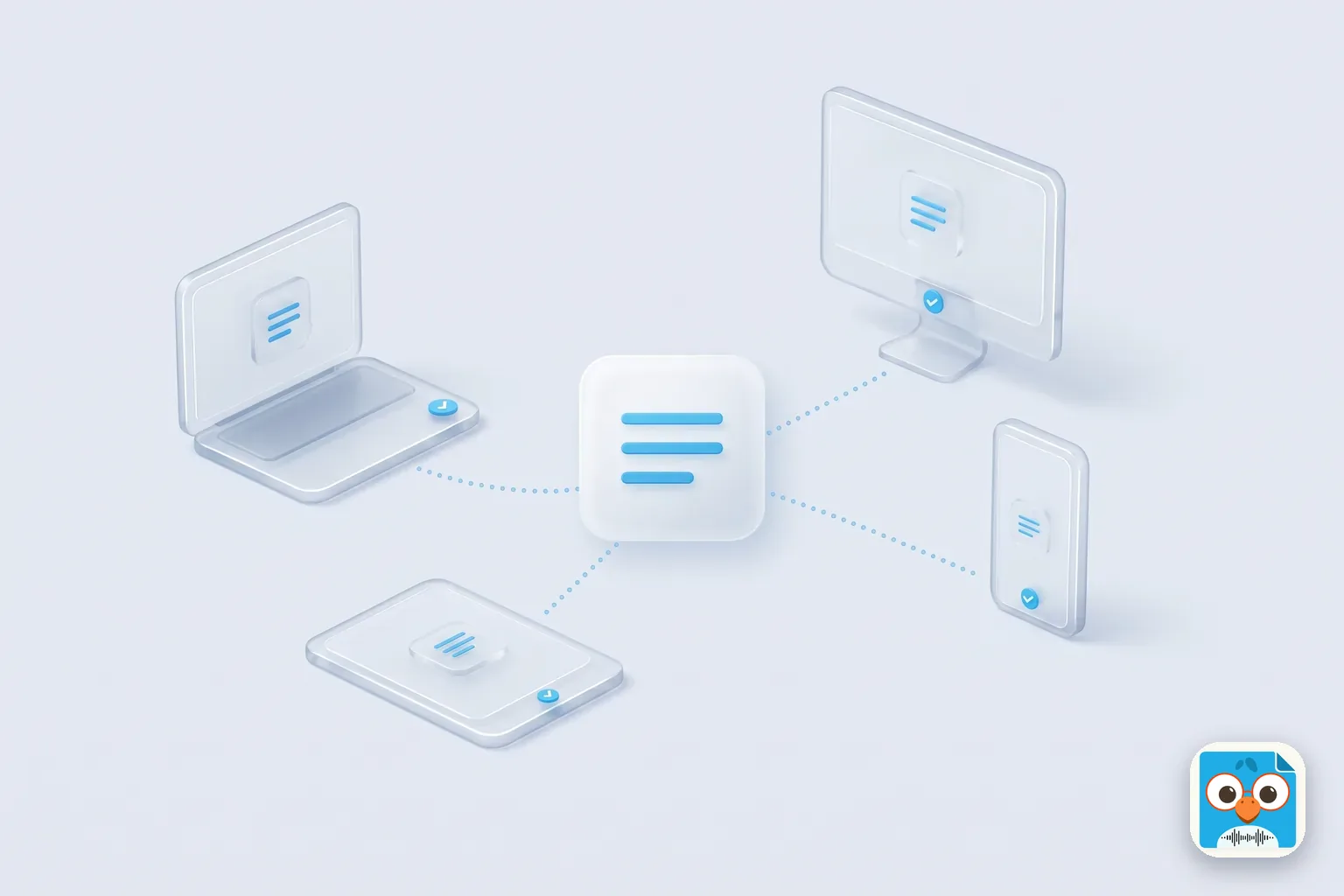
Table of Contents
- 1.Does Granola work on Windows and Android? The short answer
- 2.Granola for Windows: what the desktop app does
- 3.Granola for Android: an in-person and phone-call app
- 4.Granola on Mac, iPhone, iPad, Apple Watch and the web
- 5.Granola for Windows, Android, Mac and iPhone side by side
- 6.Which device to start the meeting on
- 7.Out-of-date claims you'll still find
- 8.What to use instead
Plenty of pages still say Granola is a Mac app. That stopped being true in June 2025 for Windows and on July 1, 2026 for Android. So the short answer is yes: Granola for Windows is a full desktop app, and Granola for Android is on Google Play.
What differs is the job each version does. On a Windows PC, Granola listens to your computer's audio and hears both sides of a Zoom, Teams or Google Meet call without a bot. On an Android phone, it can't hear video calls at all; it's built for meetings in a room and for outbound calls through its own dialer. The free Basic plan includes every app, with no meeting cap listed and 30 days of meeting history.
This guide is built from Granola's own help center, blog and store listings, read on November 13, 2026, not from hands-on testing. Below: what Granola does on each device, one table of every platform, which device to start a meeting on, and a short section on what to use instead.
Does Granola work on Windows and Android? The short answer
Yes on both. Granola's setup guide says it "runs on macOS, Windows, iOS, and Android, connected to a Google or Microsoft account". Its pricing page lists "Desktop, iOS, Android & Apple Watch apps" on every plan, including the free one.
The catch is capture. Granola's transcription page says transcription "requires the Granola desktop app (macOS or Windows) or the mobile app (iPhone or Android)". It adds: "Mobile Granola cannot capture audio from virtual meeting apps." Phones don't let one app record another app's audio. So the laptop handles calls and the phone handles the room.
Prices as of November 2026: Basic is $0, Business $14 per user a month (unlimited history, integrations), Enterprise $35 per user a month. For the full plan breakdown, see our Granola AI pricing guide.
Granola for Windows: what the desktop app does
Granola released its Windows app in June 2025, according to its own Windows setup post. The post says it runs on "Windows 10 or later" and needs a working microphone and a steady internet connection, because transcription happens live.
Installing Granola on a Windows PC
- Download the installer from granola.ai. Granola's guides point to its own website; neither the setup guide nor the Windows post mentions the Microsoft Store.
- Run it and sign in with Google or Microsoft. Those are the only sign-in options; on-premises Exchange calendars aren't supported.
- Connect your calendar so upcoming meetings appear.
- Join a call and start notes. On Windows, Granola says microphone and system audio permissions "are granted automatically", so there's no audio menu to set. On a Mac you click Allow on two prompts instead.
IT teams can push it with a command-line install, though the Windows post says step-by-step guides for tools like WinGet aren't available yet.
What Granola for Windows captures
- Zoom, Teams and Meet without a bot. Granola takes your mic plus system audio. Teams works through the Teams desktop app, and Meet works in Chrome, Edge or another browser.
- Speaker names in Zoom and Teams. Speaker tags work in the Granola desktop app on both macOS and Windows. The Teams speaker page says you need the Teams desktop app, "speaker tags are not supported in the web client", and Windows needs no extra permission (a Mac needs Accessibility access).
- 31 languages, mixed in one meeting. The language page gives desktop 31 languages and handles several in the same call.
- Chat and Voice Typing. Granola Chat sits at the bottom of the window on Windows as on Mac. Voice Typing, Granola's dictation feature, is "in beta on Mac, Windows, and iPhone" per its Voice Typing page.
What it doesn't do: keep the audio. Granola says it "does not record or save audio or video at any point during the call". It also "cannot isolate audio from individual applications", so any other sound your computer plays goes into the same stream.
One gap we couldn't close: Granola doesn't say whether there's a native build for Windows on Arm laptops (Snapdragon). If you're on one, check with Granola before you roll it out.
Take Daniel, a hypothetical account manager whose company runs on Dell laptops and Teams. A colleague on a MacBook swears by Granola, and Daniel assumed he was locked out.
He isn't. Granola for Windows gives him the same bot-free notes from Teams calls, with names from the Teams desktop app. The one habit to change: join from the desktop app, not Teams in the browser, or the speaker names drop away.
Granola for Android: an in-person and phone-call app
Granola's Android launch post is open about the scope: it "launched with a focused scope: in-person conversations." You install it from Google Play, sign in through your browser, and grant microphone access before the first meeting. No minimum Android version is published; Play checks your phone when you install.
What works on an Android phone
- Meetings in a room. Tap start, put the phone down and type rough notes; Granola adds detail from the transcript afterwards. A "Taking notes" notification shows while it listens, and you can start from a Quick Settings tile.
- Outbound phone calls. The phone calls page now says "Use Granola for iOS and Android to transcribe and enhance notes from phone calls", through Granola's own dialer. Incoming calls aren't supported, and the Android app "reminds you that notice and consent may be required to record calls". Read our guide to one-party and two-party consent states before you rely on it (general information, not legal advice).
- Chat. The chat page lists Granola Chat on desktop, iOS and Android; on Basic it searches your last 30 days of notes.
- Speaker separation in person. The mobile app "can also recognize different speakers during face-to-face meetings."
- Rough notes offline. Your typed notes open without signal; transcription needs a connection.
What Android leaves to the desktop
- Video calls. Join a Zoom call on your Android phone and Granola can't hear it.
- 17 languages, one per meeting. On mobile you pick a single language, and you can't change it after transcription.
- Templates, workspaces and integrations. The mobile getting-started page says custom templates are created on desktop, workspaces can't be created on mobile, and sharing to Notion, Slack or HubSpot needs the desktop app. Calendar changes are made on desktop too.
- Voice Typing. "Coming soon on Android."
Picture Priya, a hypothetical property manager with a Samsung phone and no laptop on site. Her meetings are walk-throughs with owners and contractors. Granola AI on Android covers that: a note per visit, in one language, with speakers told apart.
What she can't do from the phone alone is set up a custom template for inspection notes. That's a desktop job, so she'd need a Mac or Windows PC at least once.
Want a phone app that records the whole walk-through with the screen locked and hands back a summary? Try ParrotNotes free on Android or iPhone.
Granola on Mac, iPhone, iPad, Apple Watch and the web
- Mac: the original app. It needs macOS 14 or later and asks for microphone and "Screen & System Audio Recording" permission.
- iPhone: iOS 18.0 or later per the App Store listing, with Lock Screen and Home Screen widgets, outbound calls and Voice Typing in beta.
- iPad: iPadOS 18.0 or later. Chat is "not currently supported on iPad."
- Apple Watch: watchOS 11 or later. The Watch page says recordings are "captured on the Watch, sent to your iPhone, and then processed into notes." No Android watch app is listed.
- Web: notes.granola.ai "is for viewing and editing existing notes only." A Chromebook or Linux laptop can read notes there but can't capture a meeting; Granola lists no app for either.
Granola for Windows, Android, Mac and iPhone side by side
This table pulls eight Granola help pages and the App Store listing into one view. Read on November 13, 2026; Granola ships often, so a "no" can turn into a "yes".
| Feature | Mac | Windows | iPhone | iPad | Android | Web |
|---|---|---|---|---|---|---|
| Install from | granola.ai | granola.ai | App Store | App Store | Google Play | Browser |
| Minimum version | macOS 14 | Windows 10 | iOS 18 | iPadOS 18 | Not published | n/a |
| Video calls (Zoom, Teams, Meet) | Yes, no bot | Yes, no bot | No | No | No | No |
| Meetings in a room | Yes | Yes | Yes | Yes | Yes | No |
| Outbound phone calls | No | No | Yes | Not stated | Yes | No |
| Languages | 31, mixed | 31, mixed | 17, one per meeting | 17, one per meeting | 17, one per meeting | n/a |
| Granola Chat | Yes | Yes | Yes | No | Yes | Not stated |
| Voice Typing | Beta | Beta | Beta | Not stated | Coming soon | Not stated |
| Create templates | Yes | Yes | No | No | No | Not stated |
| Integrations (Notion, Slack, HubSpot) | Yes | Yes | No | No | No | Not stated |
| Apple Watch | Not applicable | Not applicable | watchOS 11+ | No | No watch app | No |
| Audio kept after the meeting | No | No | No | No | No | No |
Sources: Granola help center (setup, transcription, mobile getting started, phone calls, chat, multi-language, Voice Typing, Apple Watch pages), the Windows and Android blog posts, and the iPhone App Store listing, all read 2026-11-13.
Which device to start the meeting on
If you have a laptop and a phone, the right question isn't "which app" but "which device for this meeting".
| Meeting | Start Granola on | Why |
|---|---|---|
| Teams call at your desk | Windows or Mac app | Only desktop hears call audio; join from the Teams desktop app for names |
| Zoom call on your phone | Nothing in Granola | Mobile can't capture video call audio; move to a laptop |
| Client meeting in a café | iPhone or Android | Built for in-person; one language per meeting |
| Calling a supplier back | iPhone or Android dialer | Outbound only, so return missed calls through Granola |
| Bilingual call in Spanish and English | Windows or Mac app | Desktop mixes languages in one meeting |
| Walking a site, no laptop | iPhone, Android or Apple Watch | Watch recordings sync through the iPhone |
Out-of-date claims you'll still find
Search results for Granola mix old and new. Here's what we found, with the current answer:
- "Granola is Mac only." Windows has been out since June 2025.
- "No Android app." Android launched July 1, 2026. Even Granola's own llms.txt summary still said "Android planned" on November 13, 2026.
- "Phone calls are iPhone only." The Android launch post says so; the newer phone calls help page lists iOS and Android.
- "Chat is iPhone only." The chat help page now lists Android too (not iPad).
- "Voice Typing is Mac only." The Voice Typing page now says Mac, Windows and iPhone, with Android to follow.
For a full review of how Granola works day to day, see our Granola AI review.
What to use instead
Most Windows readers don't need an alternative: Granola for Windows does the same bot-free call notes as the Mac app. If you're leaving for other reasons, such as keeping the audio or wanting more than 30 days of history for free, our Granola AI alternatives guide sorts the options by why you're switching. On a Mac, if you want an open-source notepad that can run its AI on your own machine, see our Hyprnote review.
On Android, the gap is different. Granola for Android doesn't keep audio, uses one language per meeting, and leaves templates to a computer. If most of your meetings happen in a room, on a phone, that's where ParrotNotes fits:
- Records on the phone with the screen locked, so it can sit in a pocket through a long site walk.
- Free plan: 100 minutes a month, up to 30 minutes per recording, an AI summary on every recording, and AI insights (action items, key points) on 5 recordings a month.
- Pro ($19.99 a month, or $14.99 a month billed annually): 3,000 minutes a month, up to 3 hours per recording, 99+ languages with translation.
Be fair about the limits too: ParrotNotes has apps for iOS, Android and macOS, no Windows app, and it doesn't join or capture Zoom or Teams calls on a Windows PC. On Windows, Granola is the better pick for calls. Our ParrotNotes vs Granola comparison walks through six real situations.
Think of Marco, a hypothetical sales rep who splits his week: Teams calls from a Windows laptop on Mondays, store visits with an Android phone the rest of the week. Granola for Windows covers Monday.
The store visits are different. He wants the audio kept and a summary of conversations that switch between Italian and English (a Pro feature in ParrotNotes), so a phone-first recorder fits better. If that sounds like your week, download ParrotNotes and record your next visit on the free plan.
For more on recording on these devices without Granola, see how to record a Teams meeting and how to record audio on Android.
Frequently Asked Questions
Is there a Granola AI app for Windows?
Yes. Granola AI for Windows came out in June 2025, runs on Windows 10 or later, and is downloaded from granola.ai. It captures Zoom, Teams and Google Meet calls from your computer's audio without a bot, as the Mac app does.
Is Granola available on Android?
Yes, since July 1, 2026, on Google Play. It's built for in-person meetings and outbound calls through Granola's dialer. It can't transcribe Zoom, Meet or Teams calls on the phone; those need the Mac or Windows app.
Is Granola free on Windows and Android?
The Basic plan is $0 and includes the desktop, iOS, Android and Apple Watch apps. Granola's pricing page lists no meeting cap on Basic, but meeting history is limited to 30 days. Business ($14 per user a month) removes that limit, as of November 2026.
Can I use Granola in a web browser?
Only to read and edit notes. Granola says notes.granola.ai "is for viewing and editing existing notes only". It lists no Linux or ChromeOS app as of November 2026, so taking notes in a meeting needs the Mac, Windows, iPhone or Android app.
Related Posts
Voice Memos on Mac: How to Record, Find and Save Your Recordings
How to use the Voice Memos app for Mac: record, edit, transcribe and save recordings as files, with each step checked on Apple's guide. Updated Nov 2026.
Voice Memos and iCloud: How Sync Works and How to Turn It On
How Voice Memos iCloud sync works on iPhone, iPad and Mac: how to turn it on, what happens to deletions and storage, and fixes when memos won't sync. Nov 2026.
Notta AI Review: Web, Phone App and What the Free Plan Includes
Notta AI review from Notta's own pages and app store listings, checked November 2026: web, iPhone, Android and desktop, plus what the free plan includes.