
oTranscribe Review: The Free Browser Transcription Tool, Pros, Cons and Alternatives

Sarah Johnson
Writes about field sales, meeting notes and voice-first workflows at ParrotNotes. Every article is reviewed by the ParrotNotes product team before it goes live.
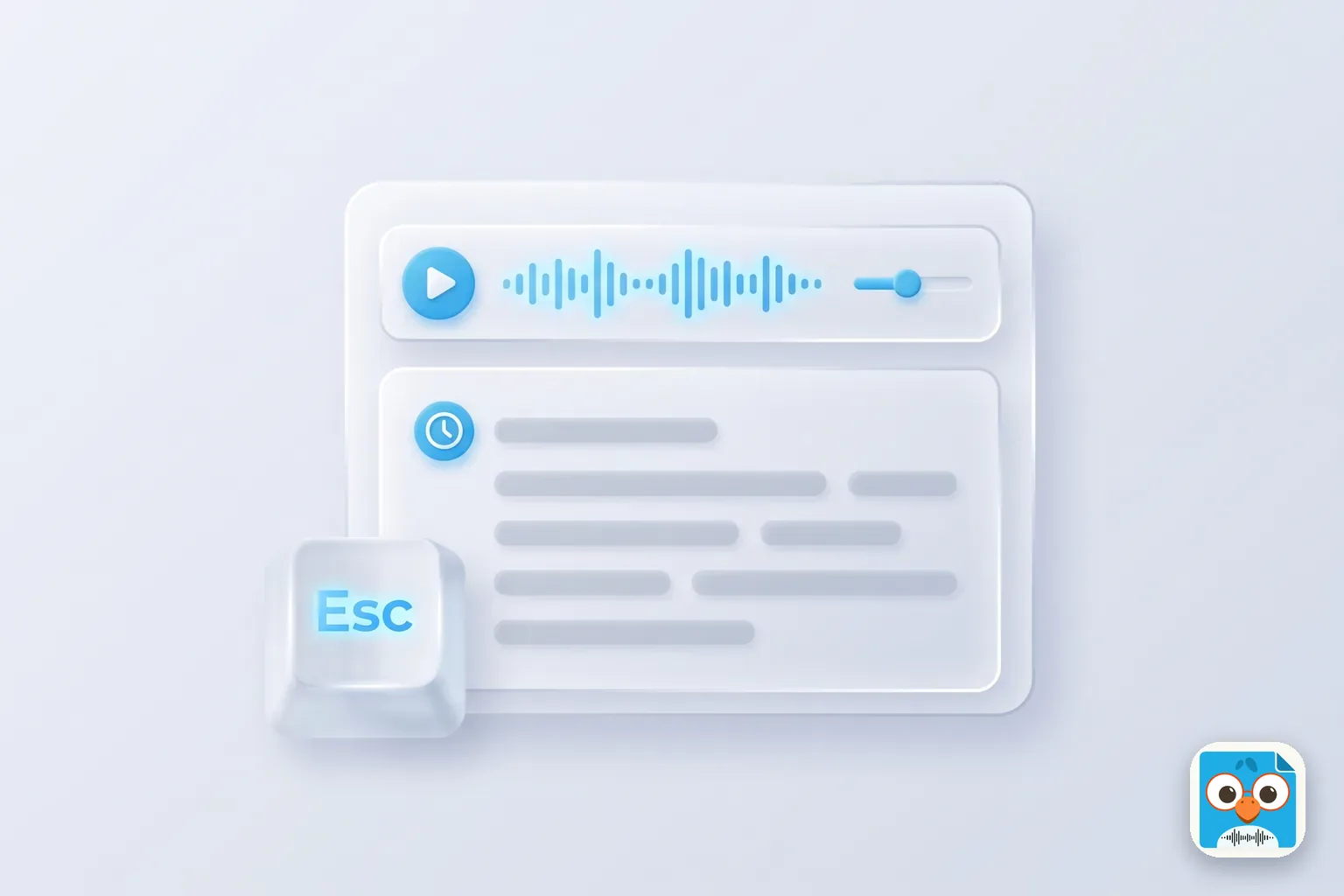
Table of Contents
- 1.oTranscribe at a glance (as of November 2026)
- 2.What oTranscribe does, and what it doesn't
- 3.How to use oTranscribe: the keyboard workflow
- 4.Is oTranscribe safe? Privacy and where your work is saved
- 5.Is oTranscribe still maintained?
- 6.oTranscribe pros and cons
- 7.Problems users have reported
- 8.Who should use oTranscribe, and who should switch
- 9.oTranscribe alternatives
- 10.The verdict of this oTranscribe review
Dana has a 52-minute interview with a city council member, a 6:00 deadline and two quotes she needs word for word. She opens a media player in one window and a document in the other, and spends the first ten minutes clicking back and forth to catch one sentence. (Dana is a composite, an illustration and not a real reporter.)
That window-switching is the exact problem oTranscribe was built to fix. It's a free web app that puts the audio player and a text box on one screen, so you can pause, rewind and type without touching the mouse. One thing to know before you open it: it does not transcribe anything for you. You type every word yourself.
This review covers what the tool does as of November 2026, its keyboard shortcuts, where your audio and transcript are stored, whether the project is still maintained, the problems users have reported, and when an automatic tool is the better choice.
A note on method: this review is built from the tool's own website, its privacy policy and its public code repository on GitHub, all checked on November 18, 2026, plus the issues users have filed there. It isn't based on hands-on testing.
If you'd rather fix a transcript than type one, ParrotNotes records the interview on your iPhone or Android phone and gives you a transcript and summary when you stop.
oTranscribe at a glance (as of November 2026)
| Details | |
|---|---|
| What it is | A media player and text editor in one browser tab, for transcribing by hand |
| Price | Free. No plans, no account needed to transcribe |
| Automatic transcription | No |
| Runs on | Desktop browsers on Mac, Windows and Linux. The site says it "works on desktop computers only" |
| Phone app | None. No official desktop app either |
| Media | Your own audio or video file, a link to one, or a YouTube video |
| Saving | Autosave to your browser every second, a backup every 5 minutes |
| Export | Markdown (.md), plain text (.txt), oTranscribe format (.otr), Send to Google Drive |
| License | Open source (MIT) |
| Who runs it | Built by Elliot Bentley, hosted and maintained by the MuckRock Foundation |
Sources: otranscribe.com and the oTranscribe GitHub repository, checked November 18, 2026.
What oTranscribe does, and what it doesn't
It's a transcription workspace, not a transcription service. The top half of the screen is a player with a speed slider and a time display. The rest is a plain text editor with bold, italic and clickable timestamps.
Does oTranscribe transcribe automatically?
No. Some listing sites say otherwise, but the public code has a media player and a text editor and nothing that turns speech into text. Users asked for browser speech recognition in 2017 and again in 2022; both requests are still open.
So the tool saves you the clicking, not the typing. A clean one-hour interview still takes hours to type up by hand.
Files, YouTube and formats
You can open a file from your computer, paste a link to an audio or video file, or paste a YouTube link. The code offers MP3, OGG, WebM and WAV for audio and MP4, OGG and WebM for video, but only the ones your browser can play. If your recorder saves M4A or AMR, convert it to MP3 first.
Video plays in a small window above the text, which helps when you need to see who's talking.
How to use oTranscribe: the keyboard workflow
The whole point is that your hands stay on the keyboard. Here's the basic loop:
- Open otranscribe.com in a desktop browser and click Start transcribing.
- Choose your audio or video file, or paste a link.
- Press Esc to play, type what you hear, press Esc again to pause.
- Press Ctrl+J to drop a timestamp at the start of each answer or speaker turn.
- Export as .txt or .md when you're done, and keep the .otr file if you'll come back to it.
These are the default shortcuts in the code as of November 2026. You can change any of them under Settings. On a Mac, Ctrl becomes Cmd.
| Action | Default keys |
|---|---|
| Play or pause | Esc |
| Rewind | F1 or Ctrl+1 |
| Fast-forward | F2 or Ctrl+2 |
| Slower | F3 or Ctrl+3 |
| Faster | F4 or Ctrl+4 |
| Back to the start | Ctrl+0 |
| Jump to a time | Ctrl+K |
| Insert a timestamp | Ctrl+J |
| Bold, italic, underline | Ctrl+B, Ctrl+I, Ctrl+U |
Two details from the code are worth knowing. Rewind and fast-forward move 1.5 seconds, and every time you press play the audio also jumps back 1.5 seconds, so you hear the last words again before typing on. Speed runs from 0.5x to 2x in steps of 0.125.
On many laptops F1 to F4 control brightness or volume, so the Ctrl+number versions are often easier. Our guide on how to transcribe an interview covers the correction pass and quote checks that come after the typing, and transcription guidelines has rules for fillers, crosstalk and inaudible words.
The timestamps it inserts are clickable inside the app. If your editor or client needs a set timestamp format, see transcripts with timestamps.
Is oTranscribe safe? Privacy and where your work is saved
For sensitive interviews, this is the tool's strongest point. The site says your audio file and transcript "never leave your computer." Its privacy policy says, "We do not store copies of your transcripts nor your audio or video files that you are currently transcribing."
That's because the file plays in your browser and the text is saved in the browser's own storage (localStorage) every second, with a backup every 5 minutes. Nothing is uploaded to make it work. The exceptions are the ones you choose: a YouTube video streams from YouTube, and Send to Google Drive puts the transcript in your Drive.
The flip side is that your work lives in one browser on one computer. Clear your browsing data, switch to a private window or move to another laptop, and the transcript isn't there. Export to .txt or .otr at the end of every session.
Recording the interview in the first place is a separate question. Consent rules differ by state and country; our guide to one-party consent states is general information, not legal advice. Tell the person you're recording.
Is oTranscribe still maintained?
Yes, but lightly. The repository dates from 2013 and isn't archived. Its last code changes landed in April 2026: an update to a current Node.js version, a new offline cache that replaced an old one, and dependency updates merged on April 27, 2026. Before that, the previous code change was in September 2025.
The README says the tool is "hosted and maintained by MuckRock Foundation," the nonprofit behind the MuckRock records-request site and DocumentCloud, and asks for donations to keep it running. So it's maintained as a public service, not developed as a product. Expect it to keep working, not to gain AI features.
oTranscribe pros and cons
Pros
- Free, with no account, minute limit or watermark
- Player and text on one screen, controlled from the keyboard
- Auto-rewind on play, so you rarely miss the end of a phrase
- Your audio and transcript stay on your computer
- Works with YouTube links and video files
- Open source (MIT), so a newsroom can host its own copy
Cons
- No automatic transcription: you type every word
- Desktop browsers only, no phone or tablet use
- Your work is tied to one browser, so exports are on you
- No foot pedal support
- No caption export (SRT or VTT) and no speaker labels beyond what you type
- Lightly maintained, with some long-open bugs (below)
Problems users have reported
Product Hunt shows the tool launched in 2014 with 101 upvotes and no written reviews, so the most useful public reports are in its GitHub issue tracker. These are open issues as users describe them; we haven't reproduced them.
- Autosave can stop silently when browser storage fills. An issue filed in September 2026 says that with long transcripts and many backups, the browser's storage fills up, the app shows one warning, and later autosaves can fail without notice, so work is lost on reload. The reporter links it to older complaints about missing work.
- Send to Google Drive is blocked for some users. A March 2025 report says Google's sign-in shows "This app is blocked" across several accounts and browsers. The user fell back to copying text into Google Docs.
- No foot pedal. A request from 2015 is still open.
- No caption files. A request to export VTT captions has been open since 2017.
Picture Marcus, a graduate student two hours into a long oral history interview. He sees the "storage was full" message once, keeps typing, and loses everything after that point when the browser restarts. (Marcus is an illustration of the reported bug, not a real case.) The habit that protects you costs nothing: export a .otr or .txt copy every 30 minutes, and take any storage warning as a cue to export straight away.
Who should use oTranscribe, and who should switch
The real choice isn't one typing tool against another. It's typing from scratch against correcting an automatic draft. This table sums up when each makes sense.
| Your situation | Better fit | Why |
|---|---|---|
| One short interview, and you must not upload the audio | oTranscribe | Nothing leaves your computer and it costs nothing |
| You only need three or four quotes | oTranscribe, with timestamps | Jump to the answers you need and type only those |
| Heavy accent, mixed languages or very poor audio | oTranscribe, or a correction pass over an automatic draft | Automatic drafts get worse as the audio gets worse; you'll still check every word |
| Several hours of interviews a week | Automatic transcription, then a check | Typing every word takes far longer than correcting a draft |
| You record on your phone in the field | A phone app that records and transcribes | It doesn't run on phones |
| You need captions (SRT or VTT) | A tool with caption export | Export is limited to .md, .txt and .otr |
| You use a foot pedal | A transcription player with pedal support, such as Express Scribe | No pedal support |
Here's how that plays out. Priya, a freelance reporter, typed every interview in oTranscribe until she had four in one week for a long feature.
She switched to an automatic draft for those and kept the browser tool for the one interview her source asked her not to upload. (Priya is a composite.) Same tools, matched to the job.
oTranscribe alternatives
If the manual approach doesn't fit, here are the directions to look. Each links to a guide that covers it in full, rather than repeating it here.
- Record and transcribe on your phone. ParrotNotes records in-person interviews on iPhone, Android and Mac and gives you a transcript, summary and search across your recordings. The Free plan includes 100 minutes of recording a month, up to 30 minutes per recording, with an AI summary on every recording and 3 audio or video imports a month for files you already have. Pro is $19.99 a month ($14.99 a month billed annually) for 3,000 minutes and recordings up to 3 hours. ParrotNotes doesn't give you a keyboard-driven player like this one, and transcription needs an internet connection, so the audio is processed online.
- Transcribe one file in your browser. Our free audio to text converter transcribes a file up to 10 minutes and adds a short summary.
- Use what you already have. See how to transcribe audio in Word and how to transcribe audio in Google Docs. For a YouTube interview, see how to transcribe a YouTube video.
- Compare the rest. Transcription software for journalists compares 10 tools by interview type, and the best free transcription app covers free options by job.
Typing up interviews every week? Try ParrotNotes free on your next one and spend the time checking quotes instead of typing them.
The verdict of this oTranscribe review
oTranscribe does one job well. It turns the browser into a keyboard-driven transcription desk with auto-rewind, timestamps and speed control, and keeps your audio and words on your own computer. It's free, open source and still maintained by the MuckRock Foundation as of November 2026.
What it won't do is the typing. Use it for short interviews, sensitive recordings and quote-hunting, export after every session, and switch to an automatic first draft when the hours of tape pile up.
Your next step: open your newest interview, decide whether you need every word or four quotes, and pick the tool from the table above.
Frequently Asked Questions
Is oTranscribe free?
Yes. As of November 2026 oTranscribe is free to use at otranscribe.com with no account, plan or minute limit. It's open source under the MIT license and hosted by the MuckRock Foundation, which asks for donations to keep it running.
Does oTranscribe transcribe automatically?
No. It's a media player and text editor in one browser tab; you type the transcript yourself. Requests to add browser speech recognition have been open on its GitHub page since 2017. For an automatic first draft you need a different tool.
Is oTranscribe safe for confidential interviews?
The site says your audio file and transcript never leave your computer, and its privacy policy says it doesn't store copies of your transcripts or media. Your work is saved in your browser's storage, so export it after each session and don't use a shared computer.
Does oTranscribe work on iPhone, iPad or Android?
No. The site says it works on desktop computers only, and there is no official phone or desktop app as of November 2026. Use it in a browser on a Mac, Windows or Linux computer.
Can oTranscribe transcribe a YouTube video?
It can play a YouTube video next to the editor so you can type along, using the same shortcuts. It doesn't produce the text for you.
Related Posts
Timekettle Review: Translator Earbuds, the App and What They Cost
Timekettle review from its own store and guides (Nov 2026): which translator earbuds are still sold, real prices, offline packs and the $14.99 app plan.
Sonix AI Review: Automated Transcription Pricing, Languages and Limits
Sonix AI reviewed from Sonix's own pages, checked November 2026: plans from $10 an hour, the 30-minute trial, 54+ languages and limits. Try ParrotNotes free.
How to Record a Podcast on iPhone: Apps, Mics and Settings
How to record a podcast on iPhone with Voice Memos, GarageBand or a podcast app: the mic for your port, settings, remote guests and free plans. Start free.