
How to Record a WhatsApp Call

Sarah Johnson
Writes about field sales, meeting notes and voice-first workflows at ParrotNotes. Every article is reviewed by the ParrotNotes product team before it goes live.
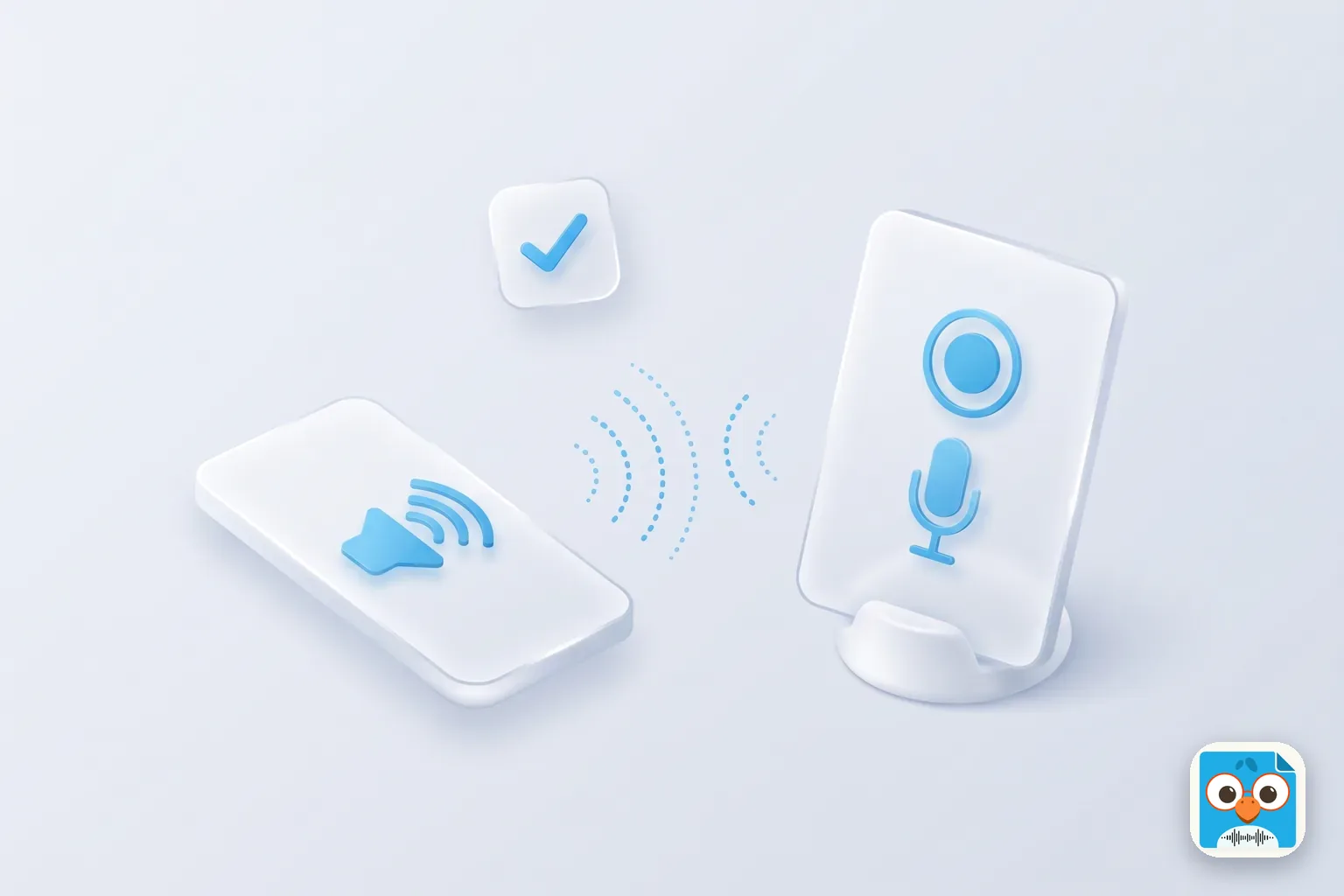
Table of Contents
- 1.Can you record a WhatsApp call? What WhatsApp itself offers
- 2.What each phone and computer captures during a WhatsApp call
- 3.How to record a WhatsApp call on iPhone
- 4.How to record a WhatsApp call on Android and Samsung
- 5.How to record a WhatsApp video call on a Mac or Windows PC
- 6.How to record a call on WhatsApp on any phone: speakerphone and a second device
- 7.Consent: ask before you record a WhatsApp call
- 8.Turn the WhatsApp call recording into notes
- 9.Conclusion
WhatsApp has no record button for calls. So here's how to record a call on WhatsApp in practice: put the call on speaker, ask the other person if it's OK, and record the conversation on a second device. For a video call, your phone's screen recorder can capture the picture, but on iPhone and Android it often misses the other person's voice.
Lucía is a freelance translator in Miami. A client in Bogotá calls her on WhatsApp with a rush job: three documents, two deadlines and a glossary. She's writing on the back of an envelope.
Ten minutes later she has one deadline and half the glossary. (Lucía is an illustration, not a real customer.)
This guide covers what WhatsApp offers, what each phone and computer actually captures, the method that works everywhere, and how to ask for consent. Every step comes from WhatsApp's, Apple's, Google's, Samsung's and Microsoft's own pages, checked on November 8, 2026.
Can you record a WhatsApp call? What WhatsApp itself offers
Not inside the app. WhatsApp's Help Center has no call recording feature, for voice or video calls. Its calling page says calls "are end-to-end encrypted", so WhatsApp can't hear or store them.
Every method below records from outside WhatsApp, and two things follow:
- The other person gets no warning. WhatsApp doesn't know you're recording, so telling them is on you.
- Results vary by device. Each phone maker decides what its screen recorder may capture, and most block call audio.
Calling someone's regular number instead? Our guides to recording phone calls on iPhone and recording phone calls on Android cover the built-in Phone app recorders.
What each phone and computer captures during a WhatsApp call
Here's what the built-in tools do during a WhatsApp voice or video call, based on each maker's own support pages (checked November 8, 2026):
| Device | Built-in tool | Picture (video calls) | Your voice | Other person's voice |
|---|---|---|---|---|
| iPhone | Screen Recording in Control Center | Yes | Not reliable | Not reliable: Apple says "some apps might not allow you to record audio" |
| Android (Pixel and others) | Screen record in Quick Settings | Yes | Depends on the phone | Not documented; usually missing |
| Samsung Galaxy | Screen recorder | No: Samsung says it "will not record" VoIP or video calls | No | No |
| Mac (WhatsApp desktop app) | Screenshot app, Shift-Command-5 | Yes | Yes, with a microphone chosen | Only with "Include System Audio" (macOS 27 or later) |
| Windows PC (WhatsApp desktop app) | Snipping Tool screen recording | Yes | Yes, with the microphone on | Yes, with PC audio on |
| Any phone | Speakerphone plus a second device | No | Yes | Yes |
The pattern: computers can record both sides; phones mostly can't. The speakerphone method is the only one that works on every phone, and it's where ParrotNotes helps: it records the room on the second device and writes the notes.
How to record a WhatsApp call on iPhone
Apple's screen recording guide gives these steps:
- Swipe down from the top-right corner to open Control Center.
- To include sound, touch and hold the gray Record button, then tap Microphone to turn it on.
- Tap Record and wait for the three-second countdown.
- Start or answer the WhatsApp call.
- To stop, tap the red Screen Recording button at the top of the screen, then Stop. The video is saved in Photos.
For a video call you'll get the picture. The audio is the problem.
Apple notes that "some apps might not allow you to record audio or video," and users on Apple's forums report that screen recordings no longer pick up WhatsApp call audio. That's a user report, not an Apple statement.
The fix on iPhone is the speakerphone method below, with an iPad or second phone as the recorder. (FaceTime audio calls are different: iPhone has a built-in button, covered in how to record a FaceTime call.) Our guide to recording a conversation on iPhone shows the options.
How to record a WhatsApp call on Android and Samsung
On most Android phones, Google's Android Help page has the steps:
- Swipe down twice from the top of the screen.
- Tap Screen record. If you don't see it, tap Edit and drag it into Quick Settings.
- Choose whether to record audio, then tap Start.
- Start the WhatsApp call. To stop, swipe down and tap the screen recorder notification.
Google's page doesn't say whether call audio is included. In practice, expect the picture and, at best, your own voice.
On a Samsung Galaxy, Samsung's screen recorder page is blunt. Its sound options are None, Media, or Media and mic, but the page also says "Screen recorder will not record phone calls, VOIP calls, or video calls." A WhatsApp call is a VoIP call, so a Galaxy's own recorder isn't the route. Regular phone calls are another matter: see our guide to Samsung call recording.
Why call recorder apps mostly hear only your side
Play Store apps that promise to record WhatsApp calls mostly can't hear the other person. Android's developer documentation says another app's audio can only be captured if it's marked as media, game or unknown sound. Call audio isn't on that list.
Apps used accessibility tools to get around this until Google's Play Store policy stopped it from May 11, 2022, as Engadget reported. That's why reviews say "only my voice is recorded." Test any app on a call with a friend, with their permission, before you rely on it.
How to record a WhatsApp video call on a Mac or Windows PC
Computers are far more open about audio. To record a WhatsApp video call with both voices, take the call in WhatsApp for Mac or Windows.
On a Mac, per Apple's Mac screen recording guide:
- Press Shift-Command-5 to open the Screenshot app.
- Click Options and choose a microphone to record your voice.
- On macOS 27 or later, also choose Include System Audio to capture the other person.
- Click Record, then start the WhatsApp call. Press Command-Control-Esc to stop.
On an older macOS, the other person is only recorded if your speakers play them into the microphone, so skip headphones.
On Windows, press Windows + Shift + R to open Snipping Tool's screen recorder. Microsoft added PC audio and microphone recording in 2023, per the Windows Insider blog. Turn both on, drag a box around the WhatsApp window, and record. The video is saved as an MP4 in the Screen Recordings folder inside Videos.
How to record a call on WhatsApp on any phone: speakerphone and a second device
No settings, no blocked audio. This works for voice and video calls:
- Ask the other person if you can record (script below).
- Put the WhatsApp call on speaker.
- Start a recorder on a second device: a tablet, a laptop or another phone.
- Place it near your phone in a quiet room, then stop it when the call ends.
ParrotNotes fits here, on iPhone, Android and macOS. Run it on the second device and it records the room, then gives you a transcript, a summary and action items.
To be clear: ParrotNotes isn't a WhatsApp call recorder. Like every downloaded app, it can't capture a WhatsApp call on the phone that's making it.
Ravi is a contractor in Chicago. A homeowner working abroad video-calls him on WhatsApp about a kitchen remodel: cabinet sizes, two tile options and a budget cap. He asks, "Mind if I record this so I get the measurements right?" She says yes.
He puts the call on speaker and records on his tablet with ParrotNotes. When they hang up, the summary lists every measurement, the tile she picked and the $18,000 cap. (Ravi is an illustration.)
No second device? Record a spoken debrief instead. Right after the call, spend 60 seconds saying the names, numbers, dates and promises into a voice recorder (how to record audio on Android shows the options). It records only you, so no one else's consent is needed.
Consent: ask before you record a WhatsApp call
WhatsApp never tells the other person, so asking first is the only honest way to record. Never record someone secretly. This article is general information, not legal advice.
In the US, the rules vary by state: some let you record a call you're part of, others need everyone to agree. Our guide to one-party consent states lists every state's rule. WhatsApp calls often cross borders, so check each person's country too, plus your employer's policy.
Here's a consent script you can say word for word at the start:
"Before we start, is it OK if I record this call? It's only for my own notes, so I get the details right. I'll delete it when I'm done."
Then let their "yes" be the first thing on the recording. In a group call, ask everyone, and ask again if someone joins late.
Turn the WhatsApp call recording into notes
A recording you never replay doesn't help much. Here's the routine:
- Save the file. Screen recordings land in Photos (iPhone), your gallery (Android) or your Videos folder (computer).
- Import it into ParrotNotes. It accepts audio and video files and writes a transcript, summary and action items.
- Draft the follow-up from the call, then edit and send it.
- Delete what you don't need, as you promised.
As of November 2026, the free plan gives you 100 minutes of recording a month (up to 30 minutes each), three audio or video imports a month, and an AI summary on every recording. Pro is $19.99 a month, or $14.99 a month billed annually, with 3,000 minutes, recordings up to 3 hours, and transcription in 99+ languages. Transcription needs an internet connection.
Only need one short call transcribed? The free audio to text tool handles a file up to 10 minutes. For voice messages, see our guide to transcribing voice notes.
Back to Lucía. The next time her Bogotá client calls, she asks to record, puts the call on speaker and records on her laptop. That evening she has all three deadlines and the full glossary. If you want the same routine, download ParrotNotes and try it on your next WhatsApp call.
Conclusion
The short version of how to record a call on WhatsApp:
- WhatsApp has no built-in recorder, and the other person gets no warning.
- Phones mostly block call audio. Samsung's recorder won't record VoIP calls at all.
- Computers can record both sides with Snipping Tool or the Mac Screenshot app.
- Speakerphone plus a second device works everywhere.
- Always ask first.
On a regular phone line instead? See our guide to recording phone calls on iPhone. When you have the recording, download ParrotNotes free to turn it into a summary, action items and a follow-up message.
Frequently Asked Questions
Can you record a WhatsApp call?
Yes, but not inside WhatsApp, which has no call recording feature. Record it on a second device with the call on speaker, or with your computer's screen recorder in WhatsApp for Mac or Windows.
How do I record a WhatsApp call on iPhone?
Put the call on speaker and record it on an iPad or another phone. iPhone Screen Recording captures the picture of a video call, but users report the WhatsApp call audio is missing.
Can I record a WhatsApp video call with sound?
On a computer, yes: Include System Audio in the Mac Screenshot app (macOS 27 or later), or PC audio in Windows Snipping Tool. On a phone, the other person's voice often doesn't record.
Does WhatsApp notify the other person if I record a call?
No. WhatsApp doesn't know you're recording, so ask for consent out loud at the start and record their yes.
Is it legal to record a WhatsApp call?
It depends on where everyone on the call is. Some places allow recording a call you're part of; others need everyone's consent. Ask first. This isn't legal advice.
Related Posts
Best Talk to Text App for iPhone and Android
The best talk to text app for your phone: Apple Dictation and Siri on iPhone, Gboard and Gemini on Android, with free plans compared and a voice phrase sheet.
How to Use Speech to Text on iPhone
Turn on speech to text on iPhone in 3 steps, dictate in any app, switch languages, turn it off, and record when the mic stops. Checked on iOS 27, Nov 2026.

How to Record Calls on Samsung
Samsung call recording, step by step: record or auto record calls, find the files, get Galaxy AI transcripts, or turn it all off. Checked November 2026.