
Best AI Voice Recorder: Phone App or Dedicated Device?

Sarah Johnson
Product Manager at ParrotNotes with 5+ years of experience in productivity tools and AI technology.
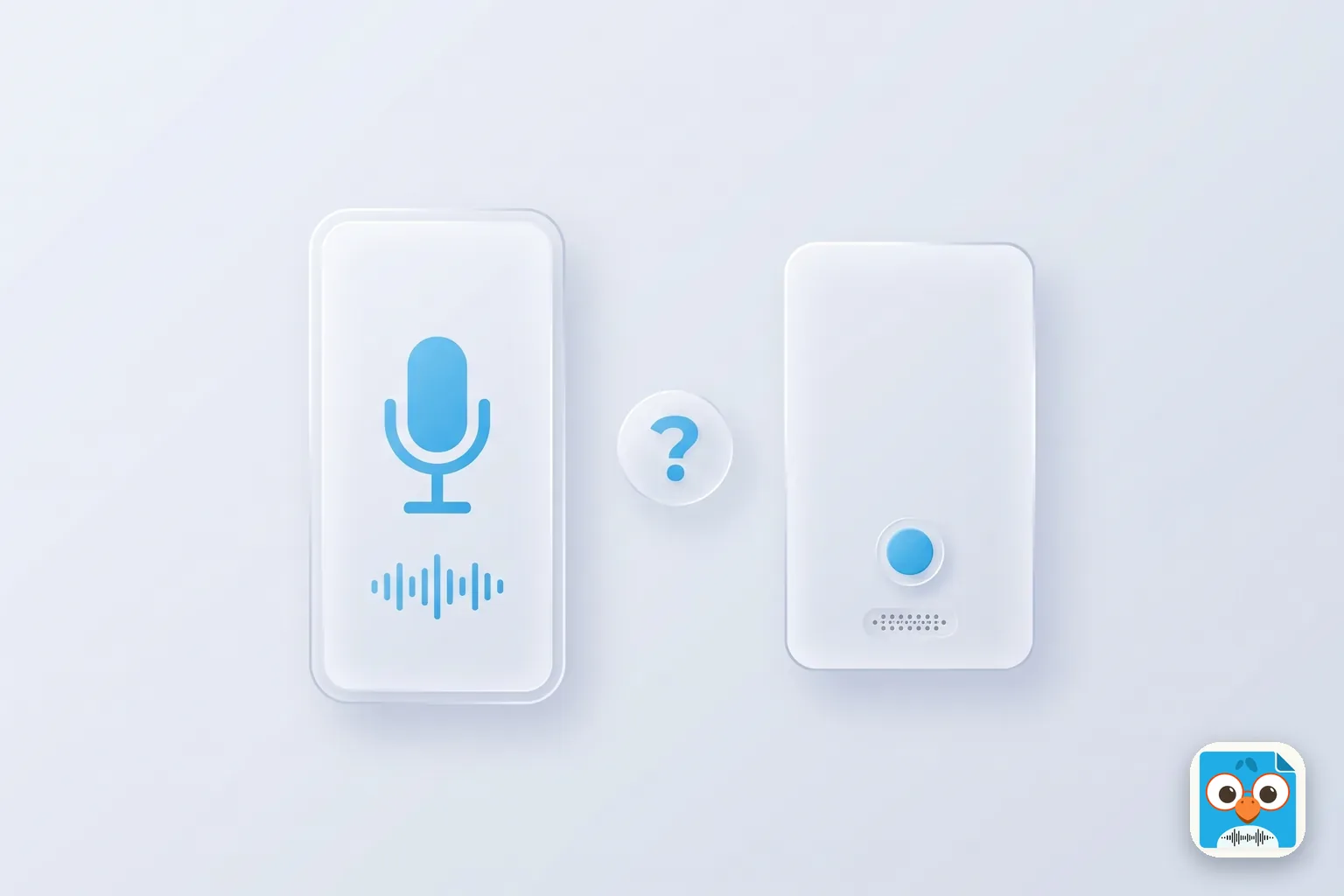
Table of Contents
- 1.What is an AI voice recorder?
- 2.How this list of the best AI voice recorder options was built
- 3.Best AI voice recorder apps for the phone you already carry
- 4.Best dedicated AI voice recorder devices
- 5.What each option costs in the first year
- 6.Phone app or dedicated device? A decision checklist
- 7.Ask before you record
- 8.The best AI voice recorder is the one you have with you
Picture Priya, an independent consultant, sitting in a client's car park at 4:40 PM. She has 20 minutes before her next call, and she's spending them on a product page for a $189 AI recorder the size of a credit card. Her last client meeting ran 70 minutes. Her notes from it fit on one sticky note.
Here's the odd part. She's shopping for a recorder on a device that already has a microphone, storage, and a data connection. It's in her hand.
If you're hunting for the best AI voice recorder, that's the first decision to make, and it comes before any brand: do you buy a dedicated device, or do you put an app on the phone you already carry? Both can turn a conversation into a transcript, a summary, and a list of next steps. They differ on cost, on what you have to charge and carry, and on languages.
This guide compares seven options on facts you can check. Every price, plan limit, and spec below comes from the vendor's own website, opened on September 20, 2026. You'll get a first-year cost table with the arithmetic shown, and a checklist that tells you which side of the app-or-device line you're on.
What is an AI voice recorder?
An AI voice recorder captures speech and then does the paperwork for you. It records a meeting, call, or spoken thought, transcribes it to text, and uses AI to produce a summary and action items. It comes in two forms: a dedicated device (a card, clip, or pendant with its own microphones and battery) or an app that uses your phone's microphone.
The "AI" part happens in software either way. A dedicated AI voice recorder device still sends its audio to a companion app, and that's where the transcript and summary show up. So the real choice isn't smart device versus plain app. It's whether you want a second piece of hardware doing the listening.
For a consultant, founder, executive assistant, or property manager, the job is the same either way. You need to know what was said, what you promised, and what happens next, before the next meeting starts.
Want to try the phone route while you read? Download ParrotNotes free and record your next conversation.
How this list of the best AI voice recorder options was built
No hands-on test results appear in this article, and no accuracy percentages either. Vendors publish their own accuracy figures, measured their own way, so the numbers can't be compared fairly. Instead, the seven options are ordered by criteria you can verify yourself:
- What you need to buy, charge, and carry. An option that works on the phone you own ranks above one that needs new hardware.
- First-year cost, worked out from list prices in US dollars, before tax and shipping.
- Transcription minutes included each month.
- Languages, and whether you can get a transcript in a different language from the one spoken.
- What you get after you stop recording: a transcript only, or a summary, action items, and a follow-up draft.
- Battery and storage, for the dedicated devices.
One disclosure: ParrotNotes is our app, so weigh its entry accordingly. Its prices and limits are here to check against the others.
Best AI voice recorder apps for the phone you already carry
A phone app has one structural advantage: there's nothing to buy, nothing extra to charge, and nothing to forget on the kitchen counter. These three options start at $0.
1. ParrotNotes: best for professionals on the move and across languages
ParrotNotes is an AI voice recorder app for iOS, Android, and macOS. Open it, tap record, and put the phone on the table. There's no meeting bot and no calendar to connect, so it works for the conversations that never touch a video call: a site walk, a client lunch, a hallway decision.
Recording carries on in the background with the screen locked, so the phone can stay face down or in your pocket. When you stop, you get a transcript, an AI summary, and action items. ParrotNotes can also draft the follow-up email from what was said, so the recap goes out while the client still remembers the meeting. You can see how the transcription and AI work in our technology explainer.
Working across languages is where it earns its place. On Pro, ParrotNotes transcribes in 99+ languages, and you can record in one language and get the transcript in another. Pro also handles conversations that switch languages partway through.
Take a property manager (call him Tomás) who looks after 14 buildings. On Tuesday he walks a flooded unit with a plumbing contractor, and the whole conversation is in Spanish. The building's owner reads English.
With translation set once in Settings, Tomás records the 25-minute walkthrough in Spanish and gets an English transcript and summary. The owner has the repair scope and the contractor's quoted dates that afternoon, and Tomás hasn't typed a word.
What it costs (parrotnotes.app, checked September 20, 2026):
- Free: 100 minutes of recording a month (up to 30 minutes per recording), an AI summary on every recording, 5 AI-powered recordings a month with action items and key points, and unlimited written notes. No credit card.
- Pro: $19.99 a month, or $14.99 a month billed annually. That covers 3,000 minutes a month (50 hours), recordings up to 3 hours each, multilingual transcription with translation, and speaker identification.
Best for: consultants, founders, assistants, and property managers who want summaries and action items from in-person conversations, anyone working in more than one language, and heavy recorders who need 3,000 minutes on one plan.
2. Otter: best for English-language online meetings
Otter is a transcription app for meetings, and its pricing page is clear about what you get. The free Basic plan includes 300 transcription minutes a month, capped at 30 minutes per conversation, with iOS and Android apps. Pro costs $16.99 per user a month, or $8.33 a month billed annually, and raises that to 1,200 minutes and 90 minutes per meeting.
Otter's plans list Zoom, Microsoft Teams, and Google Meet support, so it suits people whose day is mostly online meetings. Its pricing page lists AI transcription in six languages: English, Spanish, French, German, Japanese, and Chinese.
Best for: English-first professionals whose conversations mostly happen on video calls. If that's you, our ParrotNotes vs Otter.ai comparison goes deeper.
3. The recorder built into your phone: best for quick memos
Your phone's own recorder has picked up AI features, and it costs nothing.
On iPhone, Apple's Voice Memos support page says audio transcription is available on iPhone 12 or later, in English, Spanish, Portuguese, Italian, French, German, Japanese, Korean, and Chinese. Apple adds that it isn't available in all countries or regions. With Apple Intelligence, Writing Tools can summarize a transcript.
On Google Pixel, the Recorder help page says summaries are available on Pixel 8 and later, for recordings from 5 minutes up to 1 hour of speech. If a session includes more than one language, Recorder transcribes the most spoken one.
Those support pages describe transcripts and summaries. They don't mention action-item lists, follow-up drafts, or translated transcripts.
Best for: short personal memos in one language, when a transcript is all you need.
Best dedicated AI voice recorder devices
A dedicated AI voice recorder device is a small recorder with its own microphones, battery, and storage, paired with a subscription app. The four below come from two makers, Plaud and Anker, and each includes 300 free transcription minutes a month.
4. Plaud Note: best card-style device
The Plaud Note costs $159. Plaud lists it at 0.12 inches thin and 1.06 oz, with up to 30 hours of continuous recording, up to 60 days of standby, and 64 GB of local storage. It attaches to the back of a phone with a magnetic case.
Its standout feature is dual-mode recording: one mode for phone calls and one for in-person conversations. Plaud states transcription in 112 languages with speaker labels, and recordings sync across the Plaud app, Plaud Web, and Plaud Desktop.
Every Plaud device includes the free Starter plan with 300 transcription minutes a month. The Pro plan gives 1,200 minutes for $17.99 a month or $99.99 a year. The Unlimited plan costs $29.99 a month or $239.99 a year (Plaud notes that transcription is capped at 24 hours per user per day).
Best for: people who want a separate recorder with a physical button, and anyone who needs a recorder attached to the phone for calls.
5. Plaud Note Pro: best for bigger rooms
The Plaud Note Pro costs $189 and keeps the same card shape and 1.06 oz weight. What changes is the hardware. Plaud lists four microphones with pickup up to 16.4 feet (the Note has two, rated to 9.8 feet), up to 50 hours of continuous recording, and a 0.95-inch AMOLED display.
Plaud itself positions this model for "conferences & high-stakes meetings". The plans and prices are the same as the Plaud Note.
Best for: board rooms, workshops, and conference sessions where speakers sit across a large table.
6. Anker soundcore Work: best coin-sized clip-on
The soundcore Work starts at $159, with 8 GB and 64 GB storage options. The recorder itself weighs 0.35 oz, and Anker shows three ways to carry it: clipped to a collar, worn as a necklace, or attached to a phone. Anker's lab figures give 8 hours of recording on a charge and up to 32 hours with the charging case.
The device includes 300 free transcription minutes each month. Anker's Pro plan costs $15.99 a month or $99.99 a year with a 1,200-minute quota, and Unlimited costs $239.99 a year. Anker says it supports 150+ languages. You manage recordings in the soundcore app on iOS and Android or in a web portal, and setup starts by logging in to the app.
Best for: people who want the smallest recorder on this list and don't mind topping up an 8-hour battery from its case.
7. Plaud NotePin: best wearable
The Plaud NotePin also costs $159. It's a 0.59 oz capsule you wear as a pin, clip, wristband, or necklace, with 20 hours of continuous recording, 40 days of standby, and 64 GB of storage. It uses the same Plaud plans.
One safety note from Plaud's own page: the magnetic pin and clip produce a strong magnetic field, and Plaud advises people with pacemakers not to wear the NotePin on the chest.
Best for: people on their feet all day who want hands-free capture without reaching for anything.
What each option costs in the first year
Here's the comparison the device roundups leave out: apps and devices side by side, with the first-year cost worked out from list prices. The free plans are covered in each section above, so this table shows what you pay once you record regularly. All figures are US dollars, before tax and shipping, from the vendor pages linked above on September 20, 2026.
| Option | Type | Hardware | Plan | First-year cost | Minutes a month |
|---|---|---|---|---|---|
| ParrotNotes Pro | Phone app | $0 | $14.99 x 12 (annual billing) | $179.88 | 3,000 |
| Otter Pro | Phone app | $0 | $8.33 x 12 (annual billing) | $99.96 | 1,200 |
| Plaud Note + Pro | Device | $159 | $99.99 a year | $258.99 | 1,200 |
| Plaud Note + Unlimited | Device | $159 | $239.99 a year | $398.99 | Unlimited (24 hours a day cap) |
| Plaud Note Pro + Pro | Device | $189 | $99.99 a year | $288.99 | 1,200 |
| soundcore Work + Pro | Device | From $159 | $99.99 a year | $258.99 | 1,200 |
| soundcore Work + Unlimited | Device | From $159 | $239.99 a year | $398.99 | Unlimited |
The Plaud NotePin costs the same as the Plaud Note, so its rows match. Paying monthly instead of annually raises every paid row: ParrotNotes Pro becomes $19.99 x 12 = $239.88, and Plaud Pro becomes $159 + ($17.99 x 12) = $374.88.
What the numbers say
Starting costs $0 on a phone and $159 on a device. Every app on this list has a free way in. Every device needs a purchase before the first recording.
Heavy recorders pay less than half on a phone. Say you record 40 hours a month, which is 2,400 minutes. Both device makers' Pro plans stop at 1,200 minutes, so you'd be looking at Unlimited: $398.99 in the first year. (Anker also sells extra minute packs.) ParrotNotes Pro covers 3,000 minutes for $179.88.
Light recorders get a fair deal from a device. If you stay under 300 minutes a month and want a separate gadget, the first year costs the $159 sticker price. In year two the hardware is paid off, so a device owner pays only the plan: $0, $99.99, or $239.99.
Per minute, a phone plan costs the least. ParrotNotes Pro is $179.88 for 3,000 minutes a month, which is 36,000 minutes a year, or about $5.00 per 1,000 minutes. Otter Pro has the lowest sticker price at $99.96, for 14,400 minutes a year in six languages, or about $6.94 per 1,000. A Plaud Note with the Pro plan is $258.99 for the same 14,400 minutes in its first year, or about $17.99 per 1,000.
Would a phone app cover your month? Try ParrotNotes free, record a week of real conversations, and count your minutes before you spend $159 on anything.
Phone app or dedicated device? A decision checklist
Price is only half of it. How your day runs decides the rest, so tick the statements that sound like you.
Choose a dedicated device if:
- You need to record phone calls with a recorder attached to the phone (Plaud's dual-mode recording is built for this)
- You record all-day sessions and want 30 to 50 hours of battery that isn't your phone's battery
- Your phone is busy during meetings: presenting slides, taking site photos, or running navigation
- You work in places where phones stay in a locker but a recorder is allowed
- You want 64 GB of audio stored on the device itself
- You like a physical button you can press without looking
Choose a phone app if:
- You don't want another thing to buy, charge, pair, and carry
- You want to start today at $0 and upgrade only if it earns its place
- Your conversations are unplanned, and the only device you're sure to have is your phone
- You work across languages and want the transcript in a different language from the one spoken
- You want action items and a follow-up draft on the same phone you'll send the email from
- You record more than 1,200 minutes a month and want one plan to cover it
A device can still be the right call.
Picture Dana, a founder running a two-day board offsite. Each day has nine hours of sessions in a large room, and her phone is the hotspot, the slide clicker, and the camera. A card recorder with a 50-hour battery and four microphones sits in the middle of the table and never competes with her phone for anything. For those two days, hardware wins.
Then Monday comes. Dana has a supplier coffee at 9:00, an investor walk at 11:30, and a hiring chat in a hallway. None of those were planned as recordings. The phone app is the one that's there.
If most of your week looks like Dana's Monday, our productivity hacks for voice recordings show what to do with those captured conversations.
Ask before you record
Whichever AI voice recorder you choose, tell people before you press the button. It's polite, and in plenty of places it's the law.
In the United States, the federal wiretap statute, 18 U.S.C. § 2511(2)(d), allows a recording where the person recording is a party to the conversation or one party has given prior consent. State law can be stricter. California Penal Code § 632 prohibits recording a confidential communication without the consent of all parties.
Rules vary by state and by country, and this isn't legal advice. The safe habit is one sentence at the start: "Do you mind if I record this so I get the details right?" If a client says no, take written notes instead. You can read how we protect your data on our security page.
The best AI voice recorder is the one you have with you
A recorder only helps if it's running when the conversation happens. That's the strongest argument for the phone: it's already in your hand, it costs $0 to start, and nothing extra needs charging.
A quick recap:
- Both routes give you the same outcome: a transcript, a summary, and next steps
- A device costs $159 to $189 upfront and suits phone calls, all-day sessions, and big rooms
- A phone app starts free, and ParrotNotes Pro covers 3,000 minutes a month for $179.88 a year
- For work across languages, ParrotNotes Pro adds translation in 99+ languages
Priya closed the product page. She recorded her 5:00 PM call on her phone instead, and had the summary and her three action items before she left the car park.
If you're still weighing up the best AI voice recorder for your week, run the free experiment first. Download ParrotNotes free, record your next three conversations, and see what lands in your notes. New to the app? Our guide to getting started with ParrotNotes walks you through the first recording.
Frequently Asked Questions
What is the best AI voice recorder?
It depends on how you work. For professionals who want summaries and action items on the phone they already own, ParrotNotes is the best AI voice recorder app: it starts free, and Pro adds 99+ languages with translation. For a separate gadget, the Plaud Note ($159) is a card-style device with a 30-hour battery, and the Plaud Note Pro ($189) suits larger rooms.
Is a dedicated AI voice recorder better than a phone app?
Not by default. A device gives you separate battery life (30 to 50 hours on Plaud's card recorders), on-device storage, and a call-recording mode. A phone app costs nothing upfront, is always with you, and needs no extra charging. Both deliver transcripts and summaries through an app, so choose by how your day runs.
Do AI voice recorders need a subscription?
Not always. Plaud and Anker include 300 free transcription minutes a month with their devices, and ParrotNotes and Otter both have free plans. Subscriptions start when you need more minutes. As of September 20, 2026, annual plans run from $99.96 (Otter Pro) to $239.99 (Plaud or soundcore Unlimited).
Is there a free AI voice recorder?
Yes. ParrotNotes Free includes 100 recording minutes a month, an AI summary on every recording, and 5 AI-powered recordings with action items. Otter Basic includes 300 transcription minutes a month. Recent iPhones and Pixel phones also transcribe at no cost in their built-in recorders.
Can an AI voice recorder translate a conversation?
ParrotNotes Pro can. You record in one of 99+ languages and set a different language for the transcript, so a Spanish conversation can produce English notes. Other vendors publish how many languages they transcribe (Plaud 112, Anker 150+, Otter six), so check their pages if you need translated output.
Related Posts
Stakeholder Mapping for Complex Sales: Template and Example
Stakeholder mapping for complex sales: a fill-in template, a worked example, and 24 questions that reveal who decides. Copy the template and map your deal.
Sales Tools Every Field Rep Should Carry in 2026
Too many apps and no time between visits? See the sales tools a field rep should carry in 2026, run the four-question carry test, and print the checklist.
Sales Coaching Software: What to Look For
Buying sales coaching software for a field team? Use these 8 criteria, a 100-point scorecard, and 15 demo questions to choose a tool your reps will use.