
TapeACall Review and Alternatives for Recording Calls

Sarah Johnson
Writes about field sales, meeting notes and voice-first workflows at ParrotNotes. Every article is reviewed by the ParrotNotes product team before it goes live.
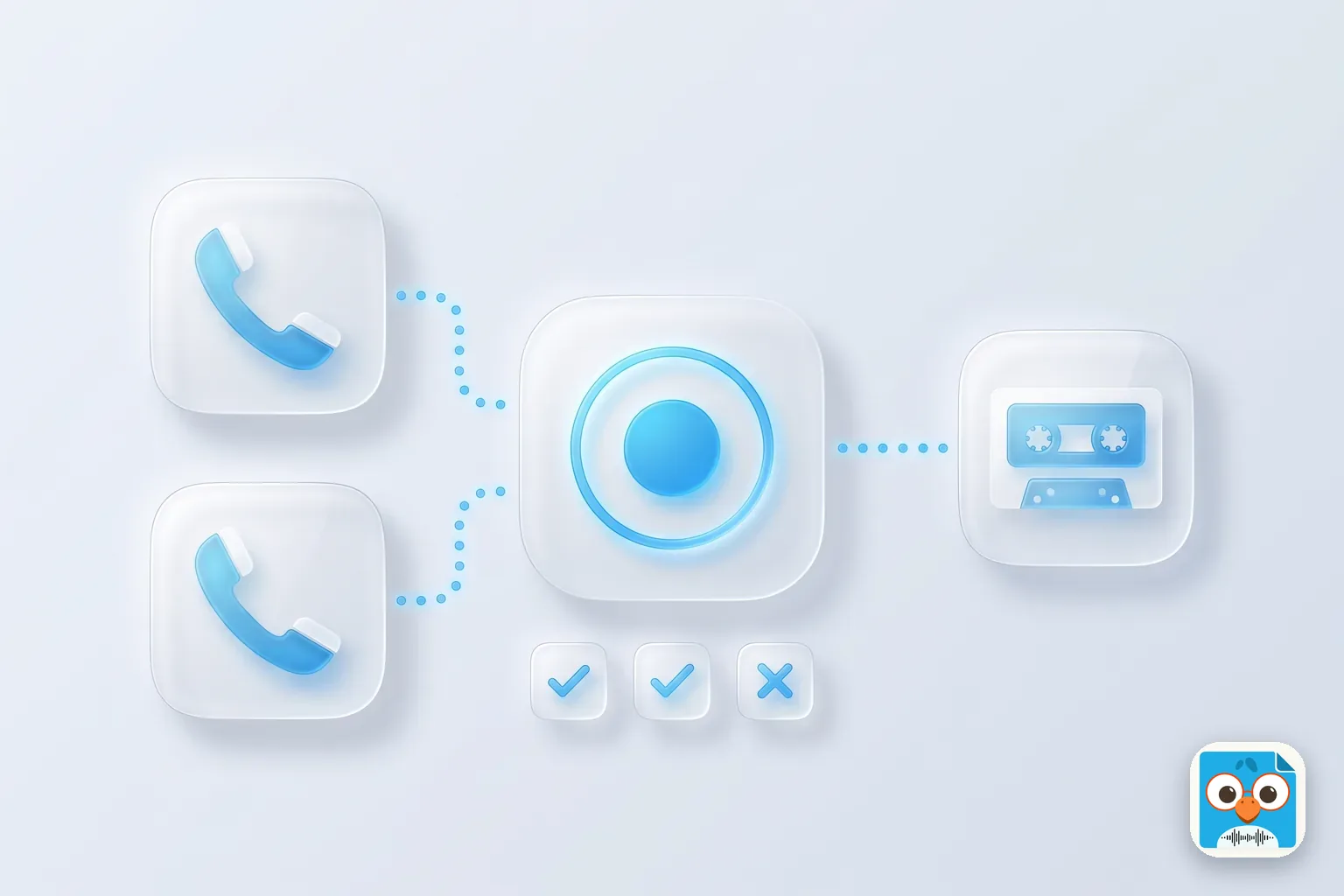
Table of Contents
- 1.TapeACall at a glance
- 2.How TapeACall records a phone call
- 3.TapeACall pricing in 2026
- 4.TapeACall review: what works and what doesn't
- 5.TapeACall alternatives for every phone
- 6.Do it with an app: turn the recorded call into notes
- 7.Before you trust any call recorder: a five-point check
- 8.Consent: say it before you record
- 9.Conclusion: is TapeACall worth it?
TapeACall is a paid call recorder app for iPhone and Android. It records a phone call by dialing its own recording line and merging it into your call as a three-way call, so it works on any carrier that supports three-way calling.
That's the whole trick, and it explains both what TapeACall does well and where it trips people up. It also means you may not need it: since iOS 18, the iPhone's own Phone app can record calls, and the Google and Samsung dialers on Android do too, free.
Priya runs a two-person bookkeeping firm in Austin. A client calls with a dispute over an invoice, and she wants the call on record.
She installs TapeACall mid-call, taps record, and the client hears a pause while the app puts him on hold to dial its recording line. Then she can't find the merge button.
She swaps back to the client, apologizes for the hold, and the call goes on unrecorded. (Priya is an illustration, not a real customer.)
This TapeACall review covers how the app records, what it costs today, what reviewers complain about, and which TapeACall alternatives fit your phone. Every price and feature below comes from TapeACall's own App Store and Google Play listings and its support site, checked on November 7, 2026.
TapeACall at a glance
| TapeACall | |
|---|---|
| What it is | Call recorder app that merges a recording line into your call |
| Phones | iPhone (two listings: TapeACall and TapeACall Pro) and Android |
| Price | Free download; a subscription is needed to record. In-app prices from $7.99 to $89.99 on the main iPhone listing |
| Free trial | 7 days on Android; trial terms on iPhone vary by plan |
| Needs | A carrier that supports three-way calling |
| Records | Incoming and outgoing calls, both sides |
| Transcripts | Yes, in the app; on Android only "from the language of your device" |
| Best for | iPhone users in a country where Apple's Call Recording isn't offered, or who want outgoing calls recorded automatically |
| Skip it if | Your phone already has a record button, or your carrier blocks three-way calling |
Short verdict: TapeACall still does a job that phones couldn't do on their own for years. In 2026, check your phone's own dialer first. If it records calls in your country, that's free and takes one tap. If it doesn't, TapeACall is a working, paid fallback, as long as your carrier cooperates.
How TapeACall records a phone call
Neither Apple nor Google lets a downloaded app listen to a normal phone call's audio. TapeACall gets around that by making the recording a phone call of its own. Its recording line joins your call as a third participant and records what it hears: both of you.
TapeACall's support page gives these steps.
To record an incoming call:
- Answer the call, then open TapeACall.
- Tap the large record button and choose Call. TapeACall puts your caller on hold and dials its recording line.
- When the line connects, tap merge calls in your phone's call screen.
- All three lines are joined, and recording runs until you hang up.
To record an outgoing call:
- Open TapeACall, tap the record button and choose Call.
- When the recording line answers, tap add call and dial the person.
- When they pick up, tap merge calls.
The main iPhone listing now advertises a shortcut: "NEW! Automatically record outgoing phone calls (No more call merging!)". The listing doesn't explain how it works, and incoming calls still use the merge steps above.
Two things follow from this design. First, the person you're calling is briefly on hold while the recording line connects on an incoming call. Second, everything depends on your carrier's three-way calling, which is why the app's listings carry the same warning: "TapeACall requires your carrier supports 3-way calling." They name SimpleTalk and H2o Wireless as US carriers that don't, and the Pro listing adds that "EE in the UK no longer supports 3-way conference calling on new plans."
Want the free route first? Our guides on how to record phone calls on iPhone and record a phone call on Android walk through the built-in buttons step by step.
TapeACall pricing in 2026
TapeACall doesn't publish a price list on its website. Its subscription options page only says the app is free to download and that plans come with trial periods. The real prices are in the store listings, and there are three of them.
| Listing | Up-front price | In-app purchases listed | Rating | Notes |
|---|---|---|---|---|
| TapeACall: Call Recorder (App Store, iPhone) | Free | $7.99 to $89.99 | 4.3 (38K ratings) | Requires iOS 14; version 8.0.54 |
| TapeACall Pro (App Store, iPhone) | $10.99 | $5.99 to $129.99 | 4.5 (18K ratings) | Requires iOS 13; last version 5.11.12, February 13, 2025 |
| TapeACall on Google Play (Android) | Free | $3.99 to $99.99 per item | 3.6 | 1M+ downloads; last updated December 19, 2025 |
All checked on November 7, 2026. The store lists show several plans with similar names at different prices, such as "Pro W/Unlimited Recording" at $7.99, $12.99 and $79.99. The listings don't say which billing period each price covers, so check the exact plan and renewal period on the purchase screen before you confirm.
A few terms are worth reading twice:
- A subscription is required to record. The Android listing says it plainly: "A subscription is required to use the service, but you can try it free for 7 days." The trial renews automatically unless you cancel.
- TapeACall Pro's up-front price lasts a year. The Pro listing says payment gives "unlimited recordings for one year. After the year ends, your plan will expire." To keep going, you move to the renewing Pro subscription.
- Weekly plans exist. The main iPhone listing includes "Weekly with Free Trial" at $9.99. If you only need one call recorded, cancel right after it, before the renewal date.
TapeACall's listings name Mosaic S.r.l. as the seller, with a copyright line for Bending Spoons Operations S.p.A., the Italian company behind apps such as Evernote and WeTransfer.
TapeACall review: what works and what doesn't
What works
- Both sides of the call. Because the recording line is on the call, it hears you and the other person, on iPhone and Android alike.
- Works where built-in recording doesn't. On an iPhone in a country where Apple doesn't offer Call Recording, a merge-call app is one of the few ways left to record on the phone itself.
- Unlimited length and number of recordings. The Pro listing says there's "no limit on how long you can record a call for" and "no limit on how many recordings you make."
- Sharing. Recordings and transcripts go out by email, text, Dropbox, Evernote and Google Drive, and the listing promises recordings "immediately after hanging up."
What doesn't
- The merge. The most common complaint in the App Store reviews is the number of taps, and having to put the other person on hold first. One reviewer calls the "automatic" claim "a flat out lie" because it took "seven clicks on three different screens." Another reports a buzzing sound after merging into a conference bridge.
- Carrier dependence. No three-way calling, no recording. Some prepaid plans and some newer UK plans don't include it.
- No notice built in. Apple's and Google's built-in recorders announce the recording to the other person. The listings don't describe any announcement, so it's on you to say it out loud.
- Transcripts in one language. On Android, transcription is "from the language of your device only." If your calls switch between English and Spanish, expect gaps.
- Price adds up. A yearly plan is a real cost for a feature your phone may already have for free.
TapeACall alternatives for every phone
Here's where the free options have changed the picture. Pick the row for your phone first, and only then think about a paid app.
| Your phone | Option | Cost | Records the other side? | Notice to the other person |
|---|---|---|---|---|
| iPhone on iOS 18 or later, in a country where it's offered | Phone app: More > Call Recording, saved to Notes | Free | Yes | Yes, both hear it |
| Android with the Google Phone app (Android 9+) | Record button; on Pixel 6 or later, Call Assist > Call Recording | Free | Yes | Yes |
| Samsung Galaxy (One UI 7.0 or later on Samsung's US page) | Samsung Phone app: Record, or Auto record calls | Free | Yes | Yes, an audio notification |
| Any phone with a Google Voice number | Press 4 during an incoming call | Free | Yes | Yes, an announcement |
| Android phone without a record button | Cube ACR (Play: 4.1 stars, 50M+ downloads, in-app $1.99 to $25.99) | Free with paid extras | Not always | Say it yourself |
| Any phone, any country, group calls | Speakerphone plus a second device recording the room | Free to start | Yes | Say it yourself |
| iPhone with no built-in option, carrier has three-way calling | TapeACall | Subscription | Yes | Say it yourself |
iPhone: the Phone app's Call Recording
Since iOS 18, Apple's iPhone User Guide says that "in some countries and regions, you can record a phone call when you're talking to one other person." Tap More, then Call Recording. Both people hear a notice, and the recording, with a transcript in supported languages, lands in the Call Recordings folder in Notes.
It isn't offered in the European Union and a list of other countries, and it doesn't do group calls. In those cases a merge-call app like TapeACall still has a job. Full steps, plus the region and language lists, are in our guide to recording phone calls on iPhone.
Android: Google Phone app and Samsung
On Android, the phone's own dialer can record when a downloaded app can't. Google's Phone app help lists a Record button on Android 9 and later, with Pixel 6 or later phones on Android 14 or later using Call Assist. Samsung's US help page covers Record call in the Samsung Phone app, and you can switch on Auto record calls in settings. Both depend on your country and model. Many Galaxy phones can also transcribe recorded calls; our guide to Samsung Voice Recorder covers that.
That's also why most Play Store call recorders struggle. Google changed its policy from May 2022 to stop apps using the Accessibility API for call recording, as Engadget reported. Cube ACR still says in its listing that it "uses Accessibility services," and adds: "If it doesn't work on your device or you hear only yourself on playback," change the recording source or use speaker mode. TapeACall avoids that problem because it records through the carrier, not the phone's audio.
Google Voice
If you already use a Google Voice number, Google Voice Help says personal accounts can record incoming calls: turn on Incoming call recording in settings, then press 4 during a call. Voice announces the recording to everyone. It only covers calls to your Voice number.
Rev Call Recorder is gone
Older roundups still list the free Rev Call Recorder. When we checked on October 30, 2026, its rev.com page returned "not found" and it wasn't in the US App Store. Skip any list that leads with it. If you were after Rev for transcripts rather than recording, see our Rev alternatives.
The no-app fallback: speakerphone plus a second device
When nothing on the phone works (an EU iPhone, a carrier without three-way calling, a group call), put the call on speaker and record the room with something else: a tablet, a laptop or a second phone. It's low-tech, it works in every country, and it records everyone. It's also where a recording app on that second device earns its place, and it's the setup most reporters use for phone interviews, as our interview recording app guide explains.
Do it with an app: turn the recorded call into notes
A recording you never replay doesn't help much. What most people want from a recorded call is the price, the date and the promise, in writing.
That's the part ParrotNotes does. It isn't a native call recorder: it can't record a phone call on the same phone. It does two jobs around one:
- Record the call on a second device. Put the call on speaker and record it with ParrotNotes on an iPhone, Android phone or Mac. You get a transcript, a summary and action items.
- Import a recording you already have. Share the audio from Notes (iPhone's Call Recording), from your Android dialer's recordings, or from TapeACall's share menu, and ParrotNotes transcribes and summarizes it. It can also draft the follow-up email.
What the free plan includes, per the ParrotNotes pricing page: 100 minutes of recording a month (up to 30 minutes per recording), three audio or video imports a month, and an AI summary on every recording. Pro is $19.99 a month, or $14.99 a month billed annually, with 3,000 minutes of recording a month, unlimited imports and transcription in 99+ languages, which helps if your calls aren't in your phone's language. Transcription needs an internet connection. Download ParrotNotes to try it on your next recorded call.
Only need one short recording turned into text? The free audio to text tool transcribes a file up to 10 minutes long and saves it to a free ParrotNotes account.
Back to Priya. The next time that client calls, she's on an iPhone in Texas, so she taps More > Call Recording in the Phone app instead, and the client hears the notice. Afterwards she shares the recording from Notes to ParrotNotes, gets the summary with the two agreed amounts, and emails it to the client the same afternoon. TapeACall stays uninstalled. (Still an illustration.)
Before you trust any call recorder: a five-point check
Merge-call apps fail quietly. Run this on a call that doesn't matter, before the one that does:
- Check three-way calling. Call a friend, tap add call, dial a second number and merge. If your phone won't merge, TapeACall won't record.
- Record a test call both ways. One incoming, one outgoing. Play both back and listen for the other person's voice, not just yours.
- Time the hold. On an incoming call, notice how long the other person waits while the recording line connects. Warn them it's coming.
- Find the file. Know where the recording lands and how to share it out, before you need it in a hurry.
- Note the renewal date. If you started a trial or a weekly plan, put the renewal date in your calendar now.
Consent: say it before you record
Whatever you use, recording a call has legal rules, and a recording app doesn't handle them for you. This isn't legal advice.
In the US, some states let you record a call you're part of, and others require everyone on the call to agree. Our guide to one-party consent states lists every state's rule and what to do when callers are in different states. Outside the US, check your own country's law and your employer's policy.
Apple's and Google's built-in recorders play a notice. TapeACall's listings don't describe one, so the habit matters more: ask at the start of the call, and let the yes be the first thing on the recording. Recording people in person instead? See how to record a conversation on iPhone.
Conclusion: is TapeACall worth it?
- Try your phone first. iPhone (iOS 18+), the Google Phone app and Samsung Galaxy phones all record calls for free where they're offered.
- TapeACall is a fallback that works. It records both sides on any carrier with three-way calling, which matters in countries where the built-in button is missing.
- Know what you're paying for. A subscription is required; read the plan period before you confirm, and cancel trials you don't need.
- Test before it counts. Merge-call recording fails on some carriers and plans.
- Always ask for consent. The app won't announce the recording for you.
Then put the recording to work while the call is fresh. Download ParrotNotes free to turn your next recorded call into a summary, action items and a follow-up email. For other recording jobs, our guide to the best AI voice recorder apps compares the main options, and sales call recording software covers team tools.
Frequently Asked Questions
Is TapeACall free?
TapeACall is free to download, but a subscription is required to record. The Android listing offers a 7-day free trial that renews automatically unless you cancel. On iPhone, in-app plans were listed from $7.99 to $89.99 on November 7, 2026, and the separate TapeACall Pro app costs $10.99 up front.
How does TapeACall record calls?
It dials its own recording line and merges it into your call as a three-way call. The recording line records both sides until you hang up. On an incoming call, the other person is briefly on hold while the line connects. Your carrier must support three-way calling.
Does TapeACall work on Android?
Yes. TapeACall is on Google Play with over a million downloads, and it uses the same three-way merge, so it doesn't depend on Android's call-audio rules. Many Android phones can also record calls for free with the Google Phone app or the Samsung Phone app.
Does the other person know TapeACall is recording?
TapeACall's store listings don't describe an announcement, though an incoming caller is put on hold briefly while the recording line connects. The iPhone, Google and Samsung built-in recorders do announce it. Either way, tell the other person and check the consent law where both of you are.
What is the best free alternative to TapeACall?
Your phone's own dialer, where it's offered: Call Recording in the iPhone Phone app on iOS 18 or later, the Record button in the Google Phone app, or Record call on a Samsung Galaxy. Google Voice records incoming calls to a Voice number for free.
How do I record a phone call without an app?
Use your phone's own dialer where it's offered: More > Call Recording on an iPhone with iOS 18 or later, Record in the Google Phone app, or Record call on a Samsung Galaxy. If your phone has none of these, put the call on speaker and record it with a second device. Tell the other person first.
Why won't TapeACall merge my call?
Usually because your carrier or plan doesn't support three-way calling. TapeACall names SimpleTalk and H2o Wireless in the US, and says EE in the UK no longer supports it on new plans. Test a manual three-way call; if that fails, the app can't record.
Related Posts
Best Talk to Text App for iPhone and Android
The best talk to text app for your phone: Apple Dictation and Siri on iPhone, Gboard and Gemini on Android, with free plans compared and a voice phrase sheet.
How to Use Speech to Text on iPhone
Turn on speech to text on iPhone in 3 steps, dictate in any app, switch languages, turn it off, and record when the mic stops. Checked on iOS 27, Nov 2026.

How to Record Calls on Samsung
Samsung call recording, step by step: record or auto record calls, find the files, get Galaxy AI transcripts, or turn it all off. Checked November 2026.