
RAID Log: What It Is, a Template and How to Review It in Meetings

Sarah Johnson
Writes about field sales, meeting notes and voice-first workflows at ParrotNotes. Every article is reviewed by the ParrotNotes product team before it goes live.
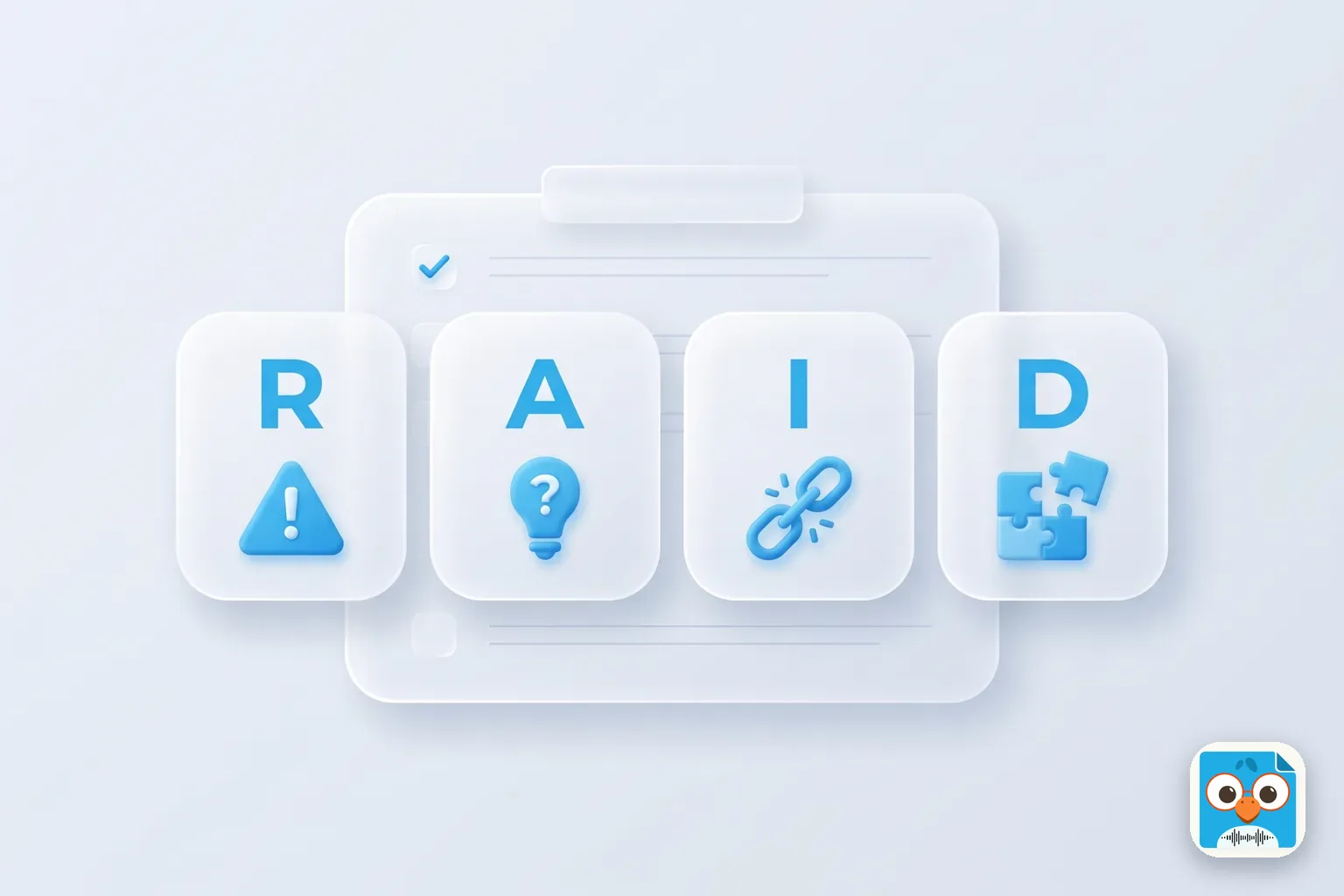
Table of Contents
- 1.What is a RAID log?
- 2.The RAID log template (copy this)
- 3.A RAID log example: an office move
- 4.How to create a RAID log in 30 minutes
- 5.How to review the RAID log in a weekly meeting
- 6.Catch new RAID items during the meeting
- 7.Record the meeting and let the summary feed the log
- 8.Keep your RAID log alive
Nadia's team built a beautiful RAID log at the project kickoff. Twenty-two rows, color-coded, every risk scored. By week six, nobody had opened it. Then the furniture supplier missed its delivery date, and the office move slipped two weeks. The risk had been on row 9 the whole time, with an owner who'd forgotten it was theirs. (Nadia is an illustration, not a real project lead.)
You probably know the pattern. A RAID log is easy to start and hard to keep alive. The spreadsheet isn't the problem. The problem is that nobody looks at it together, at a set time, with the owners in the room.
This guide fixes that. You'll get a plain definition, a RAID log template you can copy, a filled example from one project, and a 15-minute weekly review agenda that keeps the log current. You'll also get a list of the phrases people say in meetings that signal a new risk or issue, so you can log them while they're said.
If you take the notes in that meeting, ParrotNotes can record it on your phone and give you a transcript and a summary afterwards, so nothing raised in the room gets lost.
What is a RAID log?
A RAID log is a single project document that tracks four kinds of item: Risks, Assumptions, Issues and Dependencies. Each item gets an owner, a status and a next step, and the team reviews the log on a regular schedule, usually in the weekly project meeting. That's what RAID in project management comes down to: one list of everything that could stop the project, with a name next to each line.
Here's what each letter covers:
| Letter | What it is | The question it answers | Example |
|---|---|---|---|
| Risk | Something that might go wrong | What could hurt us, and how likely is it? | The supplier may miss the delivery date |
| Assumption | Something you believe is true but haven't confirmed | What are we counting on without proof? | The building allows weekend moves |
| Issue | A problem that is happening now | What is already hurting us? | The new network switch arrived faulty |
| Dependency | Something you need from another team or supplier, or that they need from you | Who are we waiting on, and for what? | IT must set up desks before staff arrive |
The easiest way to tell a risk from an issue: a risk hasn't happened yet, an issue has. When a risk happens, it moves to the issues list. When an assumption turns out to be wrong, it usually becomes a risk or an issue.
Other meanings of A and D
Some teams use different words for the same letters. As Asana's RAID log guide puts it, "The A in RAID can stand for either actions or assumptions," and "D" can stand for either decisions or dependencies.
Pick one meaning and write it at the top of the log. If you track actions and decisions separately, keep them in an action items template and a decision log, and keep the RAID log for the four items above.
RAID log vs risk register
A risk register tracks risks only, usually with a detailed likelihood and impact score. A RAID log is broader: it puts risks next to the assumptions, issues and dependencies that cause or follow them. Small projects often need only the RAID log. Large ones keep a full risk register and a RAID log that points to it.
If you only need the risk part, the free risk register template builds one with likelihood, impact, score, owner and response for each risk, ready to print.
The RAID log template (copy this)
Keep all four types in one table, with a Type column. One table is easier to review in a meeting than four tabs, because you can sort by owner or by date and walk through it once.
| Column | What to write |
|---|---|
| ID | Type letter and number: R-01, A-03, I-02, D-05. Never reuse an ID. |
| Type | Risk, Assumption, Issue or Dependency |
| Description | One sentence. For a risk: "If X happens, then Y." |
| Raised by / date | Who raised it and when |
| Impact | High, medium or low, plus what it would affect: date, cost, scope or quality |
| Likelihood | Risks only: high, medium or low |
| Owner | One named person, not a team |
| Response / next step | What the owner will do next |
| Due or check date | When the next step is due, or when the item gets checked again |
| Status | Open, watching, closed, or (for assumptions) confirmed or wrong |
| Notes | Links, history, what changed at the last review |
Copy it as text if you work in a doc or a spreadsheet:
ID | Type | Description | Raised by / date | Impact | Likelihood | Owner | Response / next step | Due or check date | Status | Notes
Each type also needs one thing the others don't:
- Risks need a response: avoid, reduce, transfer or accept. "Watching" is a response only if there's a check date.
- Assumptions need a way to test them and a date to confirm by. An assumption with no check date is just a hope.
- Issues need an escalation line: who decides if the owner can't fix it.
- Dependencies need the other party's name and the date you need it by.
A RAID log example: an office move
Here is a filled RAID log for one illustrative project: a 40-person team moving to a new office floor on March 14. The project lead is Nadia, from the opening story.
| ID | Type | Description | Impact | Owner | Next step | Check date | Status |
|---|---|---|---|---|---|---|---|
| R-01 | Risk | If the furniture supplier misses February 28, desks won't be built before move day | High: date | Nadia | Confirm the delivery slot in writing | Feb 10 | Watching |
| R-02 | Risk | If staff don't pack by Thursday, the movers can't load on Friday | Medium: date | Team leads | Send packing list and crates on Mar 3 | Mar 7 | Open |
| A-01 | Assumption | The building allows moves on a Saturday | High: date | Omar | Ask building management in writing | Feb 7 | Wrong (see I-01) |
| A-02 | Assumption | The current printer lease can move with us | Low: cost | Priya | Check the lease terms | Feb 14 | Confirmed |
| I-01 | Issue | Building allows weekday moves only, after 6 p.m. | High: date and cost | Nadia | Rebook movers for Friday evening; approve overtime | Feb 12 | Open |
| I-02 | Issue | New network switch arrived faulty | Medium: date | Leo | Replacement ordered, arrives Feb 20 | Feb 20 | Open |
| D-01 | Dependency | IT needs desks in place before setting up docks and screens | High: date | Leo, with the supplier | Confirm desks done by Mar 12 | Mar 10 | Open |
| D-02 | Dependency | Facilities must issue new key cards before Mar 14 | Medium: access | Omar, with facilities | Send the staff list by Mar 1 | Mar 1 | Open |
Look at A-01 and I-01. The team assumed a Saturday move. Omar checked, the assumption was wrong, and it became an issue the same week. That's the RAID log working: the problem showed up five weeks before move day, not on it.
Also notice that each row has one owner and one check date. The check date is what brings the row back to the weekly meeting.
How to create a RAID log in 30 minutes
Start the log at the project kickoff, or in a short session soon after it. Our project kickoff meeting agenda already has a slot for risks and open questions. This short RAID analysis session turns that slot into a log.
- Invite the people who know where things break. The project lead, one person from each team involved, and anyone managing a supplier.
- Spend five minutes on each letter. Ask the question from the table above: "What could go wrong?", "What are we taking for granted?", "What's already a problem?", "Who are we waiting on?"
- Write every item as one sentence. No scoring yet. Get it all on the board first.
- Give each item an owner before the session ends. If nobody will own it, ask whether it belongs on the log at all.
- Score the risks and set check dates afterwards. The project lead can do this in 10 minutes and send the log round for comments.
Expect 10 to 25 items for a project of a few months. Far more than that and the review meeting will drown; merge items that share an owner and a cause.
Running the kickoff and taking notes at the same time? Try ParrotNotes free, record the session, and build the first RAID log from the transcript instead of your memory.
How to review the RAID log in a weekly meeting
Most guides say to review the log regularly. Smartsheet's RAID guide says that "at a minimum, project managers should review and adjust the log during weekly status meetings." Parallel Project Training's guide to RAID logs agrees that the log should be updated "at the very least after team meetings." What neither says is how to run that review. Here's a 15-minute agenda that fits inside a weekly project or status meeting.
The 15-minute weekly RAID review agenda
| Time | Block | Who speaks | Output |
|---|---|---|---|
| 0:00 to 0:02 | Items due for a check this week, sorted by check date | Project lead | The list to cover today |
| 0:02 to 0:07 | Open issues: progress and blockers | Each issue owner, 1 minute each | Next step and date, or an escalation |
| 0:07 to 0:10 | Risks and dependencies due for a check | Each owner | Still open, closed, or moved to issues |
| 0:10 to 0:12 | Assumptions due to be confirmed | Each owner | Confirmed, wrong, or new check date |
| 0:12 to 0:14 | New items raised this week | Anyone | ID, owner and check date for each |
| 0:14 to 0:15 | Read-back of changes | Note-taker | Everyone hears what changed |
Rules that keep it to 15 minutes
1. Review by check date, not by row. Only items due for a check this week come up. Everything else stays on the log, untouched, until its date. That's how a 25-row log fits in 15 minutes.
2. Owners speak, the project lead doesn't. Each owner says one line: what changed and what's next. If an owner isn't there, the item moves to next week and the lead follows up after.
3. Issues before risks. Issues are hurting the project now. If time runs out, the risk slot shrinks, never the issues.
4. Solve it outside the meeting. If an item needs more than two minutes, name the people who need to talk and book them for after. Put a note in the log, not a debate in the meeting.
5. Close things. A log only gets longer unless someone closes rows. Ask every week: "Can any of these be closed?" Closed rows stay in the log, greyed out, so the history is there for the post-project review.
6. Escalate above a line. Agree at the start which items go to the sponsor or steering committee: for example, any high-impact issue that the owner can't fix within two weeks. Send those items, not the whole log.
When Marcus started running his team's RAID review this way (another illustration), his weekly project meeting stopped overrunning. The log had 31 rows, but only six or seven were due each week. In the first month, the team closed 11 rows that had been finished for weeks but never marked closed.
If you also send a written update to people who don't attend, the free project status report template has sections for RAG status, risks, decisions needed and next steps, so the RAID review feeds straight into it.
Catch new RAID items during the meeting
New risks and issues rarely arrive labelled. They come out sideways, in the middle of an update, and they're gone by the time the meeting ends. The note-taker's job is to hear them and log them.
These are the phrases to listen for:
| When someone says... | It's probably a... | Log it as |
|---|---|---|
| "If they don't..., we'll have to..." / "I'm worried that..." | Risk | R: "If [cause], then [effect]" |
| "We're assuming..." / "That should be fine" / "I think they said yes" | Assumption | A: what you believe, and who will confirm it |
| "It's already late" / "That broke" / "We're blocked" | Issue | I: what's wrong now, and its impact |
| "We're waiting on..." / "As soon as they've done..." / "That depends on..." | Dependency | D: who, what, and by when |
| "Let's just go with..." / "OK, we'll do that" | Decision | Your decision log, not the RAID log |
"That should be fine" is the one people miss. It sounds like good news, but it's an untested assumption. In the office-move example, A-01 started as "the building should be fine with a Saturday."
At the end of the meeting, read back each new item: ID, one-line description, owner and check date. It takes a minute, and it's when people say "that's not mine" or "actually, it's already happened", while you can still fix the row.
Leila, a team lead running a website relaunch (an illustration), added that read-back to her weekly meeting. In the second week, a designer heard "D-04: content team delivers copy by the 15th" read out and said the content team didn't know about the date. One message that afternoon saved a week of waiting.
Record the meeting and let the summary feed the log
The person taking RAID notes has a hard job. They have to follow the discussion, spot an assumption hidden inside "that should be fine," and write it down before the next update starts.
ParrotNotes takes the typing off their hands. Put your phone on the table and record the weekly meeting (with everyone's agreement). When you stop, ParrotNotes transcribes the conversation and writes a summary, and AI-powered recordings also pull out the action items. You then go through the summary with the phrase table above and add the new RAID rows, starting from what was actually said instead of from memory.
A few details, as of October 2026:
- Free plan: 100 minutes of recording a month, up to 30 minutes per recording, an AI summary on every recording, and 5 AI-powered recordings a month with action items. A 15-minute RAID review fits easily.
- Pro ($19.99 a month, or $14.99 a month billed annually): recordings up to 3 hours, speaker identification so you can see who raised each item, and custom insight templates. You can save a template with Risks, Assumptions, Issues and Dependencies as headings, so every weekly recording comes back sorted into the four lists.
- AI chat (Pro) lets you ask the recording a question, such as "What did Leo say about the network switch?" AI semantic search finds when a problem was first mentioned across weeks of meetings.
There's no bot to invite and nothing to connect, because it records the room on the phone you already carry. You still own the log; ParrotNotes gives you the first draft of what changed. Download ParrotNotes before your next project meeting.
Keep your RAID log alive
A RAID log is only useful if it's current, and it stays current because the team looks at it together every week. To recap:
- One table, four types, each row with one owner and a check date.
- A 30-minute kickoff session builds the first 10 to 25 items.
- A 15-minute weekly review, by check date, issues first, ending in a read-back.
- The phrase table helps you catch new risks, assumptions, issues and dependencies while people are still saying them.
Copy the RAID log template into your project folder today, give every row a check date, and put the 15-minute review on next week's agenda.
And if you'd rather listen than type in that meeting, try ParrotNotes free. Record the review, read the summary, and update the log before the next meeting starts.
Frequently Asked Questions
What is a RAID log in project management?
A RAID log is a project document that tracks Risks, Assumptions, Issues and Dependencies in one place. Each item has an owner, a status and a next step, and the project team reviews the log regularly, usually in the weekly project or status meeting.
What does RAID stand for?
RAID most often stands for Risks, Assumptions, Issues and Dependencies. Some teams use A for Actions and D for Decisions instead. Pick one meaning, write it at the top of your log, and keep actions and decisions in their own logs if you track them separately.
What is the difference between a risk and an issue?
A risk is something that might happen and would hurt the project if it did. An issue is a problem that is happening now. When a risk happens, move it from the risks list to the issues list and give it a fix and an owner.
What should a RAID log template include?
At minimum: an ID, the type, a one-sentence description, the impact, an owner, the next step, a check or due date and a status. Risks also need a likelihood and a response, assumptions a way to confirm them, issues an escalation route and dependencies the other party's name and date.
How often should you review a RAID log?
Review it every week, in a short slot of about 15 minutes in your regular project meeting. Only cover items due for a check that week, open issues first, then add any new items raised. Review it again at each major milestone.
Who owns the RAID log?
The project manager or project lead owns the log and runs the review. Each item in it has its own owner, who reports on it in the weekly meeting and does the next step.
Is a RAID log the same as a risk register?
No. A risk register tracks risks only, often with detailed scoring. A RAID log is broader: it tracks risks alongside assumptions, issues and dependencies. Small projects often use just a RAID log, while large projects keep both.
Related Posts

How to Use Dictation on Windows 11: Shortcut, Commands and Fixes
How to use dictation on Windows 11: press Windows key + H, say punctuation out loud, use Voice Access offline, and fix the microphone when voice typing fails.

Too Many Meetings? How to Cut Them Without Losing Alignment
Too many meetings at work? Audit your calendar in one sitting, give each cut meeting a replacement, and check after two weeks that your team is still aligned.

Sales Voicemail Scripts That Get Callbacks
Copy 10 sales voicemail scripts by situation, from first touch to breakup, each timed, plus greeting scripts for reps and a voicemail-and-email sequence.