
How to Never Miss Action Items from Sales Calls

Sarah Johnson
Product Manager at ParrotNotes with 5+ years of experience in productivity tools and AI technology.
Table of Contents
More than half of knowledge workers (54%) regularly leave meetings without a clear idea of next steps or who owns them, according to Atlassian's survey of 5,000 workers. For sales teams, that gap is a revenue problem. Every missed follow-up, forgotten pricing proposal, or overlooked introduction request is a deal that slips through your pipeline.
The issue isn't that reps don't care. It's that capturing action items during a live sales call forces you to split attention between listening and writing. You either miss what the prospect says next, or your notes end up so vague that "send pricing info" doesn't tell you which package, which stakeholders, or which timeline.
This guide covers five practical methods to capture every action item from your sales calls, from simple habit changes to AI-powered automation that handles it for you. By the end, you'll have a system that ensures nothing falls through the cracks after a conversation.
Why sales teams lose action items
Before fixing the problem, it helps to understand why it happens. In a Harvard Business Review survey of 182 senior managers, 71% said meetings are unproductive and inefficient. Three patterns explain most of the problem.
The attention split
During a discovery call, you're asking questions, reading body language, handling objections, and building rapport. Writing detailed notes while doing all of that is close to impossible. Most reps default to shorthand like "send info" or "check w/ legal," which makes sense in the moment but means nothing a day later.
The delay gap
The longer you wait between a call and documenting next steps, the more details fade. Classic forgetting-curve research suggests people lose roughly half of new information within an hour, and closer to two-thirds within 24 hours. For a rep running four or five calls a day, the details from the 10 AM call are hazy by 3 PM.
The CRM bottleneck
Even when reps remember what was said, logging it into Salesforce or HubSpot takes time. Many reps batch their CRM updates at the end of the day or week, by which point critical details have been lost or muddled with other conversations.
5 methods to capture every action item
1. Use the last two minutes of every call for a verbal summary
The simplest technique requires no technology at all. Before ending any sales call, dedicate the last two minutes to verbally summarizing what was agreed.
Say something like: "Before we wrap up, let me confirm what we've got. I'll send over the enterprise pricing by Thursday. You'll loop in your VP of Engineering for the next call. And we're targeting the first week of next month for the pilot kickoff. Does that sound right?"
This does three things: it confirms accuracy, it assigns ownership, and it creates a moment the prospect remembers. If you're recording the call, this summary becomes easy to extract later.
Want to capture those verbal summaries automatically? Try ParrotNotes free. It records your calls and uses AI to pull out action items, commitments, and next steps without any manual note-taking.
2. Record your calls and let AI extract action items
Manual note-taking during sales calls is a losing battle. Recording the conversation and letting AI handle the extraction is faster and more accurate.
Here's how it works: you record the call (using your phone, a meeting bot, or a desktop app), and AI transcribes the conversation, identifies commitments, and lists them as structured action items with owners and deadlines.
Picture Dana, a mid-market account executive at a SaaS company. She's managing 35 active opportunities and running six to eight calls per day. Her manual notes are inconsistent, and she regularly forgets smaller commitments like sending case studies or scheduling follow-up demos with specific team members. After switching to AI-powered call recording, far fewer of her commitments slip. The AI catches promises she didn't even realize she'd made during the call.
Tools like ParrotNotes make this particularly easy for in-person meetings and phone calls. You tap record on your phone, put it on the table, and after the meeting you get a transcript, summary, action items, and a draft follow-up email. No meeting bot, no calendar integration, no setup. It works in 99+ languages, which matters if your sales conversations happen across borders. For a full breakdown of the best tools, check out our guide to the best AI note-taking apps for sales teams.
3. Send a follow-up email within one hour
Sales best practice is to send your follow-up email within 24 hours, while the conversation is still fresh for both sides. For sales calls, aim for one hour or less.
A strong follow-up email should include:
- Summary of discussion: Two to three sentences covering what was talked about
- Action items with owners: Who is doing what, by when
- Next meeting date: Confirm or propose the next touchpoint
- Attachments or links: Anything you promised to send
This email serves double duty. It documents the action items in writing (so both sides have a record), and it demonstrates professionalism and reliability to the prospect.
If writing follow-up emails feels like another time drain, AI can help here too. ParrotNotes generates a draft follow-up email from your call recording, including the key discussion points and next steps. You review it, customize the tone, and hit send.
4. Build a post-call routine you follow every time
Consistency beats perfection. A post-call routine that takes three minutes and happens after every single call will capture more action items than a detailed 20-minute debrief you only do after big meetings.
Here's a simple post-call checklist:
- Review your recording or notes (30 seconds)
- List each action item with owner and deadline (60 seconds)
- Log the key points in your CRM (60 seconds)
- Send the follow-up email (30 seconds if AI-drafted, 2 minutes if manual)
Imagine Carlos, a sales manager at a 15-person startup, rolling this three-minute routine out across his team. Within a month, a team like his can expect cleaner CRM data, more reliable forecasting, and faster-moving deals. The key was making it non-negotiable: every call ends with the three-minute routine, no exceptions.
5. Use your CRM to create accountability
Action items mean nothing if nobody tracks them. Your CRM should be the single source of truth for every commitment made on a sales call.
After logging action items, set tasks or reminders for each one:
- Your tasks: Follow-up emails, proposals, introductions, demos
- Prospect tasks: Internal reviews, budget approvals, technical evaluations
- Shared tasks: Joint meetings, pilot planning, contract reviews
For prospect-side tasks, create a follow-up reminder for yourself. If the prospect committed to getting budget approval by Friday, set a Monday reminder to check in. This gentle accountability keeps deals moving without being pushy.
Tools like Fireflies.ai and Sybill can auto-populate CRM fields from call recordings. For simpler setups, ParrotNotes lets you export your action items and paste them into your CRM manually, which still saves significant time compared to writing everything from scratch.
Common mistakes that cause missed action items
Even with good systems, a few habits can undermine your follow-through.
Vague action items: "Follow up with prospect" is not an action item. "Send enterprise pricing PDF to Maria and CC her CTO by Thursday 3 PM" is. Specificity is what makes action items actionable.
Too many action items per call: If every call generates 10+ action items, something is wrong. As a rule of thumb, a focused sales call should generate three to five clear next steps. More than that suggests the conversation lacked focus or the deal stage is unclear.
No owner assigned: Every action item needs a name attached to it. "We'll send the proposal" means nobody sends the proposal. "I'll send the proposal to Sarah by Wednesday" gets done.
Relying on memory alone: Even the sharpest rep can't recall specifics from six calls across a busy day. If you're not recording, writing, or automating your capture process, you're leaving revenue on the table.
Stop letting action items slip through the cracks
The gap between a great sales conversation and a closed deal is follow-through. Every action item you miss is a signal to the prospect that you're not paying attention, and it gives competitors an opening to step in.
You don't need a complex system. Start with one change: record your next sales call, review the action items, and send a follow-up email within an hour. If you want to automate the entire process, download ParrotNotes free and let AI handle the transcription, action item extraction, and follow-up email draft while you focus on selling.
Frequently Asked Questions
How do I capture action items without disrupting the conversation?
The most effective approach is recording the call and using AI to extract action items afterward. This lets you stay fully present during the conversation. If recording isn't an option, use the verbal summary technique at the end of each call, where you recap next steps out loud for confirmation.
What's the best format for tracking sales call action items?
Keep it simple: owner, task, deadline. For example, "Marcus: send case study to VP of Engineering by Friday." Log these directly in your CRM as tasks so they show up in your daily workflow. Avoid separate spreadsheets or sticky notes that don't integrate with your existing tools.
How many action items should a good sales call produce?
As a rule of thumb, a focused sales call should produce three to five action items. If you're consistently getting more, the call may lack structure or the discovery process needs tightening. If you're getting fewer than two, you may not be advancing the deal effectively.
Can AI accurately capture action items from sales calls?
Yes. Modern AI tools identify commitments, deadlines, and ownership from transcribed conversations with high accuracy. They're particularly good at catching smaller commitments you might miss, like a promise to send a specific document or introduce a colleague. Always review AI-generated action items before acting on them, but they're a reliable starting point.
Related Posts
ParrotNotes vs Otter.ai for Sales Teams (2026)
Honest comparison of ParrotNotes vs Otter.ai for sales teams. See how they stack up on pricing, languages, mobile recording, and CRM integration.
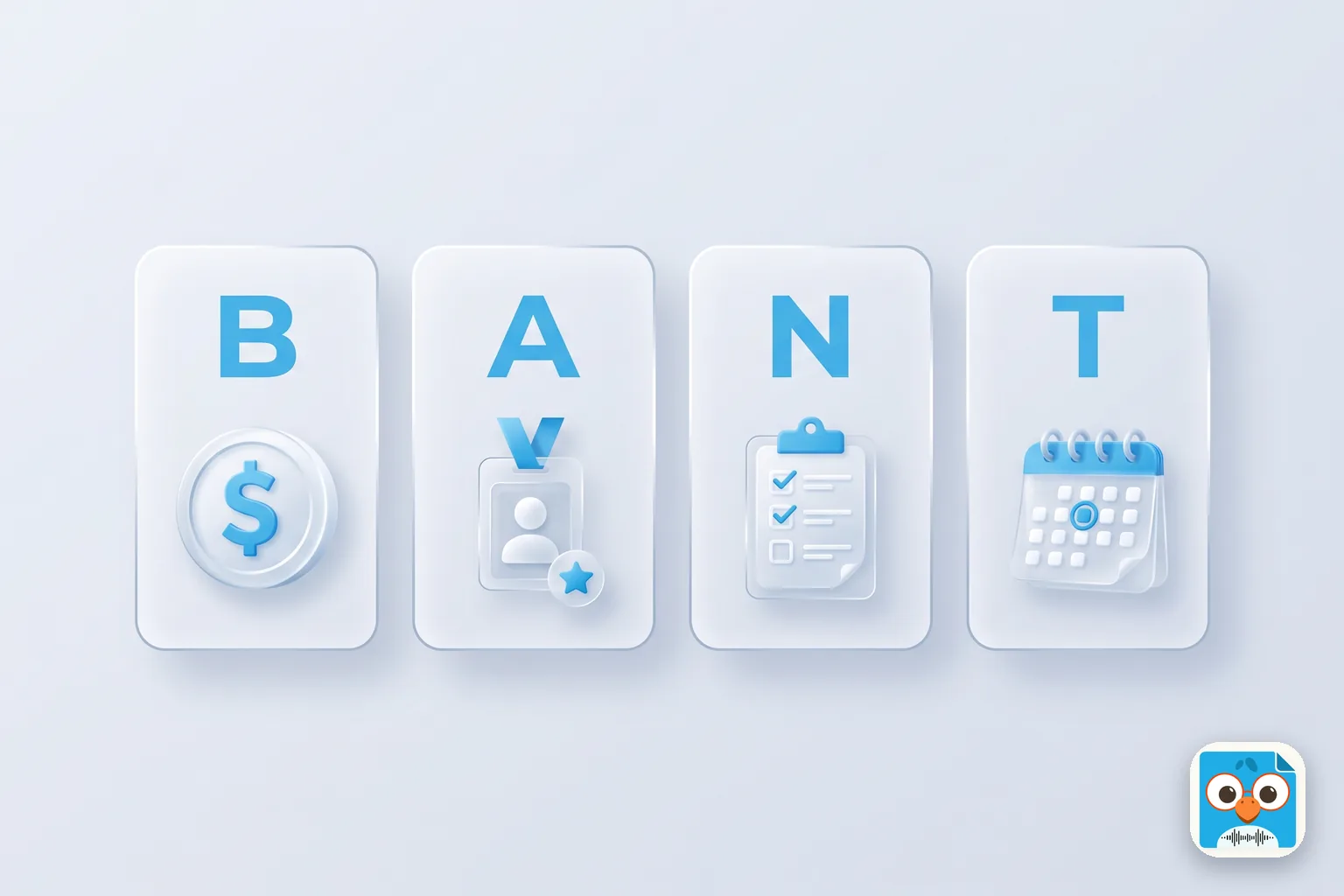
BANT Qualification: Complete Guide for Sales Teams
Master BANT qualification with this complete guide. Learn how to assess Budget, Authority, Need, and Timeline to close more deals faster.

Best AI Note-Taking Apps for Sales Teams (2026)
Compare the 5 best AI note-taking apps for sales teams in 2026. From CRM auto-sync to in-person recording, find the right tool for your sales workflow.